📖 Read more: Apple Lost the AI War - Google Gemini Is Coming to Siri
🎙️ What Is NotebookLM
NotebookLM is a free AI research tool from Google, built on the latest Gemini models. The core idea: upload your own sources — PDFs, websites, YouTube videos, audio files, Google Docs, Google Slides — and NotebookLM automatically becomes an expert on that material.
Unlike general chatbots (ChatGPT, Claude), NotebookLM doesn't rely on training data to answer questions. It relies exclusively on the sources you provide. Every response comes with citations — exact quotes from your own documents. This means fewer hallucinations and more reliable results.
According to Google: “A research and thinking companion grounded in the information you trust.” And crucially: your data is not used to train the AI.
🎧 Audio Overview: The Feature That Changed Everything
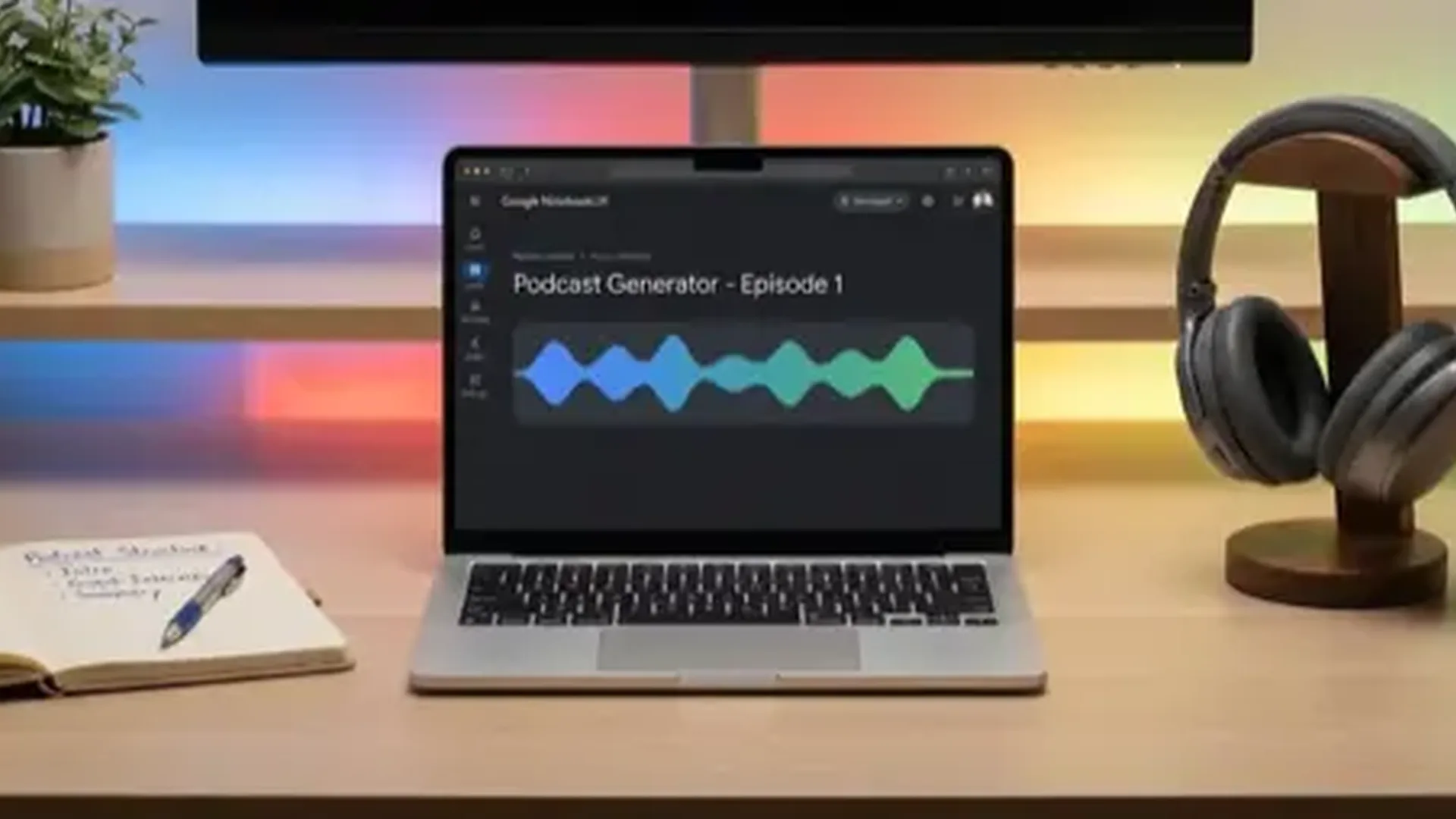
In September 2024, Google introduced NotebookLM's most impressive feature: Audio Overviews. According to the official Google Blog (Biao Wang, Product Manager), the feature turns your documents into “engaging audio discussions” with one click.
How it works: two AI hosts launch a lively discussion about your material. They summarize, connect topics, and banter back and forth. The result sounds remarkably natural — like a real podcast show. You can download the audio and listen on the go.
Of course, there are limitations: Audio Overviews don't provide an objective analysis of a topic — they only reflect the sources you uploaded. They can also introduce inaccuracies, and generation can take several minutes for large notebooks.
📚 What You Can Upload
NotebookLM accepts an impressive variety of sources:
- PDF files: Research papers, ebooks, reports
- Websites (URLs): Articles, blog posts, documentation
- YouTube videos: Lectures, tutorials, presentations
- Audio files: Lecture recordings, podcasts
- Google Docs: Notes, drafts, reports
- Google Slides: Presentations, pitch decks
Every source you upload feeds into a “notebook” — a personalized knowledge base. You can ask anything related and the AI will answer based on those sources, with precise references.
📖 Read more: Neuralink Blindsight: FDA-Approved Device Restores Sight
🎓 How It's Used in Practice
Google highlights three main use cases:
Students & Researchers
Upload lecture recordings, textbook chapters, and papers. Ask for explanations of complex concepts in simple terms, real-world examples, or auto-generate study guides. Audio Overview transforms dry academic material into enjoyable listening.
Professionals
Upload meeting notes, market research, competitive analysis. NotebookLM creates concise presentations with key takeaways, discovers trends, and uncovers hidden opportunities.
Content Creators
Upload research material and get an AI podcast in minutes. Ideal for creating podcast content, blog post outlines, or educational material.
🔒 Privacy & Security
One of the most important advantages: according to Google, your data is not used to train NotebookLM. As an individual, your data remains private unless you share feedback. Organizations and schools get even greater protection.
This matters because many users hesitate to upload sensitive documents to AI tools — here Google provides a clear commitment to data privacy.
📖 Read more: AI Agriculture: Smart Farming with Technology
⚖️ Pros & Cons
🚀 How to Get Started
Using NotebookLM is remarkably simple:
- Go to notebooklm.google.com
- Create a new notebook
- Upload at least one source (PDF, URL, YouTube video, etc.)
- Ask questions in the chat or click “Generate” for an Audio Overview
- Download the audio or share the insights
No payment required, no installation needed — just a Google account.
💡 Pro Tip
Combine multiple sources (3-5) in a single notebook for the best Audio Overviews. The AI finds connections between different sources that you might not have noticed — making the discussion much more interesting.