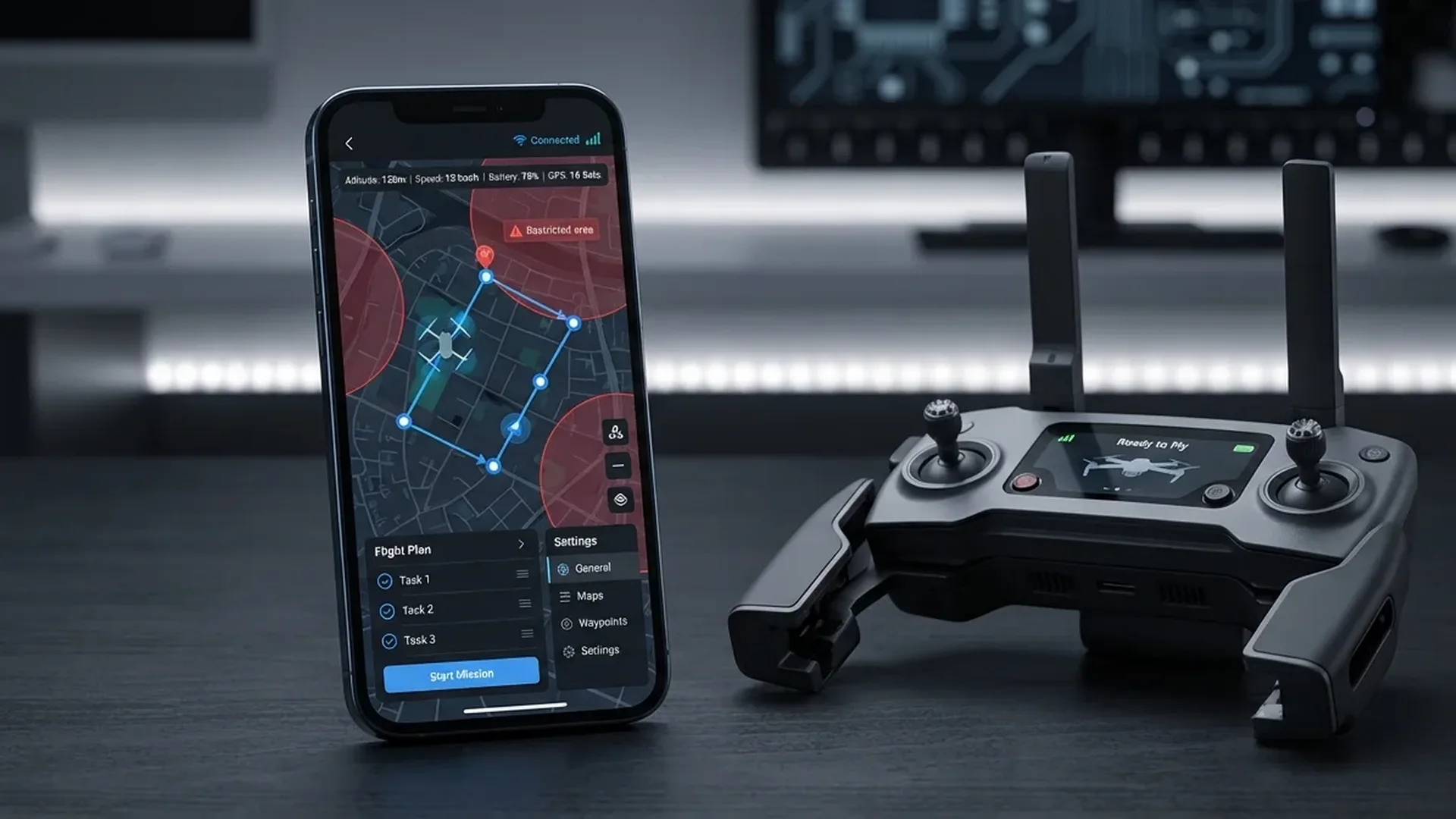
DJI Fly — The Foundation
If you fly a DJI drone — and if you're reading this article, you almost certainly do — DJI Fly is your central application. It's mandatory for connecting to and controlling your drone, but it does far more than just basic flight operations.
DJI designed the Fly app as a "versatile flight companion" — an application that covers capture, editing, and sharing in one place. The interface is intentionally clean: signal strength, flight mode, altitude, distance, and battery level are visible at a glance. Camera settings change with a single tap, and gimbal angle adjusts directly on screen.
Key DJI Fly Features
- Flight Status Dashboard: Signal strength, flight mode, altitude, distance, battery level — all visible in real time
- Camera Control: ISO, shutter speed, white balance adjustments, photo/video/hyperlapse mode switching
- Editor Suite: Multi-track video editing, creator templates, portrait/landscape switching, music & effects
- SkyPixel Integration: Upload & share aerial photos, discover popular shooting spots nearby
- Intelligent Features: ActiveTrack 360°, MasterShots, QuickShots, Hyperlapse
The built-in editing suite has improved dramatically in recent years. Multiple templates, music tracks, special effects, multi-track timelines — you can handle basic editing without transferring footage to a computer. It supports switching between portrait and landscape orientations, practical for social media content.
If you're using the RC-N2 controller, the app runs on your phone: iPhone or Android flagship. If you have the RC 2 with its built-in 5.5" FHD display (700 nits), DJI Fly is already there — plug and play.
Autonomous Flight & Waypoint Apps
DJI Fly covers the basics, but for truly autonomous missions, complex waypoints, or professional mapping, you need third-party apps. Two names stand out here.
Litchi — The Waypoint King
With over 5,000 successful flights daily, Litchi is the most trusted autonomous flight app for DJI drones. Its strength lies in the waypoint mission engine — you plan routes on PC, Mac, or mobile, and they sync automatically across all your devices.
Litchi Features
- Waypoint Missions: Full route planning with points, altitudes, camera angles & speeds
- Focus Mode: Automatic gimbal & yaw control — you fly horizontally while Litchi keeps the subject framed
- Track Mode: Computer vision tracking — the drone recognizes what it sees and follows autonomously
- VR Mode: First-Person View through VR goggles — fly autonomous missions or manually
- Orbit & Follow: Autonomous circular flights & subject tracking
- Panorama: Automatic panoramic photo capture
- Flight Logs: Auto-upload to Airdata UAV for post-flight analysis
- Mission Hub: Community with thousands of missions from around the world — explore & share
Litchi is available on iOS, Android, and DJI monitors with built-in screens. Compatible with most DJI drones, including the Mini 4 Pro series.
Dronelink — Professional Automation
When your needs go beyond basic waypoints, Dronelink is the app for professionals. It runs on Web, iOS, Android, and even directly on DJI & Autel remote controllers with screens. One account, all devices.
Dronelink Capabilities
- Mapping: Grid, Crosshatch, Linear maps — terrain follow, oblique angles, overlaps, crabwalk
- 3D Mission Preview: 3D flight path visualization, time & data estimation, virtual drone flight
- 3 Workflows: Pre-plan on the web, generate on-the-fly in the field, or hybrid manual/auto
- Georectification: Mission alignment & real-time position correction during flight
- Operations Management: Mission management, pilot tracking, flight log integrations
Widely used in construction, energy, telecom, mining, property management, agriculture, film, and public safety. If you need orthomosaics, point clouds, or 3D models, Dronelink is your core platform.
Weather & Flight Forecast Apps
Weather is the #1 enemy (or friend) of every drone pilot. A regular weather app isn't enough — you need data specific to flight: wind gusts, visible GPS satellite count, Kp index (solar activity), cloud base altitude, and maximum safe flight ceiling.
UAV Forecast — Weather Built for Drones
UAV Forecast is the go-to weather forecasting app for drone pilots. It provides a 15-day forecast (depending on subscription) with hourly resolution, specifically designed for drone flight needs.
What UAV Forecast Shows
- Wind & Gusts: Speed in km/h — critical when your drone handles up to 10.7 m/s (Mini 4 Pro)
- Max Safe Altitude: Based on winds at higher layers
- Temperature & Humidity: Dew point pairing, important for batteries (-10°C to 40°C operating range for Mini 4 Pro)
- Rain: Probability & intensity (mm/h) — no DJI consumer drone is waterproof
- Cloud Cover & Cloud Base: Visibility & cloud height in meters
- GPS Satellites: Visible GPS, GLONASS, Galileo & BeiDou count — you want at least 12 locked
- Kp Index: Solar/geomagnetic activity — high Kp (>4) can affect GPS accuracy
- Sunrise/Sunset: Daylight hours for golden hour planning
Available on web, iOS & Android. The free version provides 7-day forecasts. The Hobbyist subscription adds hourly 7-day forecasts and cloud base altitude. The Professional tier offers 15 days and up to 10 saved favorite locations.
Airspace & Regulatory Apps
Before launching your drone, you need to know whether you're allowed to fly at a specific location. Controlled airspace, military zones, airports, national parks — you need apps that keep you legal.
B4UFLY & Airspace Awareness
The FAA (Federal Aviation Administration) has approved 5 companies to provide B4UFLY services: Airspace Link, Aloft, AutoPylot, Avision, and UASidekick. They offer desktop & mobile apps with controlled airspace information, Temporary Flight Restrictions (TFRs), and interactive maps.
What B4UFLY Services Provide
- Controlled & special use airspace information
- Critical infrastructure, airports, national parks, military training routes
- Temporary Flight Restrictions (TFRs) for special events
- Status indicators: safe to fly, caution, or prohibited
- LAANC capability (Low Altitude Authorization and Notification) for controlled airspace
European Airspace Apps
In Europe, the situation differs by country. Each nation has its own drone registration and airspace platform. DJI Fly already integrates GEO zones — if you're near an airport or restricted zone, you'll receive an automatic warning or takeoff prevention.
Video Editing & Photography Apps
DJI Fly handles basic editing, but for serious work you need dedicated applications. Here are the best options across mobile and desktop.
Mobile Editing
CapCut (free, iOS/Android) — From the creators of TikTok, but far more capable. Multi-track editing, AI-powered effects, motion tracking, color correction, keyframes, and a massive library of templates and music. Ideal for social media drone content.
LumaFusion (~€30 / ~$33, iOS/Android) — The most powerful mobile editor available. 6 video + 6 audio tracks, LUTs, chroma key, frame rate control, color grading. Exports in 4K/60fps. If you want desktop-level editing on your phone or tablet, this is the app.
Adobe Lightroom Mobile (free + Premium) — For aerial photography. RAW editing, selective adjustments, presets, masking. Syncs with desktop Lightroom.
Desktop Editing
DaVinci Resolve (free) — Professional color grading & editing. The free version does nearly everything. Ideal for D-Log M & HLG footage from DJI drones. Node-based color workflow, Fairlight audio, Fusion VFX.
Adobe Premiere Pro (subscription ~€25/month / ~$28/month) — The industry standard. Excellent for large projects with integration across After Effects & Photoshop.
Utility Apps
Beyond the major categories, smaller tools make your life significantly easier:
Sun position, golden hour, blue hour, Milky Way tracker. Essential for planning drone shots in optimal lighting.
Real-time wind map. Multiple forecast models (ECMWF, GFS). Wind visualization at different altitudes.
Flight log analysis platform. Auto-upload logs (via Litchi or manually) and view flight statistics, battery health, and error reports.
Mission planning in 3D terrain. Scout locations before visiting in person. Free desktop application.
Dedicated mapping & photogrammetry app. Automated flight, overlap settings, export to Pix4Dmapper.
Firmware update management, cloud storage, Virtual Flight simulator. Useful for new pilots learning the ropes.
App Comparison at a Glance
| App | Category | Price | iOS | Android | Rating |
|---|---|---|---|---|---|
| DJI Fly | Flight Control | Free | ★★★★★ | ||
| Litchi | Waypoints / Auto | ~€20-25 (~$22-27) | ★★★★★ | ||
| Dronelink | Mapping / Pro | Subscription | ★★★★☆ | ||
| UAV Forecast | Flight Weather | Freemium | ★★★★★ | ||
| B4UFLY (Aloft etc.) | Airspace | Free | ★★★★☆ | ||
| CapCut | Mobile Editing | Free | ★★★★☆ | ||
| LumaFusion | Mobile Editing Pro | ~€30 (~$33) | ★★★★★ | ||
| DaVinci Resolve | Desktop Editing | Free | — | — | ★★★★★ |
| Sun Surveyor | Light Planning | ~€10 (~$11) | ★★★★☆ | ||
| Airdata UAV | Flight Logs | Freemium | ★★★★☆ |
The Ideal Setup by Skill Level
Beginner — Hobbyist
All you need: DJI Fly + UAV Forecast + CapCut. Zero cost, covering flight, weather, and editing. Add Litchi (~€20 / ~$22) if you want waypoints.
Advanced Enthusiast
Add: Litchi + Airdata UAV + DaVinci Resolve + Sun Surveyor. Autonomous missions, post-flight analysis, professional editing & lighting planning. Cost: ~€30-40 (~$33-44) one-time.
Professional
Full setup: Dronelink + Pix4Dcapture + Premiere Pro + Airdata UAV + Aloft (B4UFLY) + PhotoPills. Mapping, inspections, LAANC authorization, pro editing. Monthly cost: €50-100+ (~$55-110+).
Conclusion
You don't need 20 apps — you need the right ones. For the average DJI Mini 4 Pro pilot, the trio of DJI Fly + UAV Forecast + Litchi covers 90% of your needs. For serious editing, the combination of CapCut (mobile) + DaVinci Resolve (desktop) delivers professional results at zero cost.
The key is downloading and setting up these apps before you need to fly. Configure your profiles, test the interfaces, and learn the core features at home. When you arrive on location, you want to focus on capturing footage, not fumbling through settings.