📖 Read more: Drone Photography: 15 Tips for Stunning Aerial Shots
Why Auto Mode Falls Short
Modern DJI drones ship with impressive automatic features — SmartPhoto, HDR, Scene Recognition. For casual shooting, they work fine. But when you need real control — especially in tricky lighting conditions like golden hour, twilight, or night photography — Auto mode falls apart. It lets the algorithm decide, and the algorithm doesn't know your subject or the feeling you're going for.
Switching to Manual (M) or Shutter Priority (S) mode in the DJI Fly app gives you full control over:
- ISO: How sensitive the sensor is to light
- Shutter Speed: How long the shutter stays open
- White Balance: The color temperature of the image
- Exposure Compensation (EV): Fine-tuning overall brightness
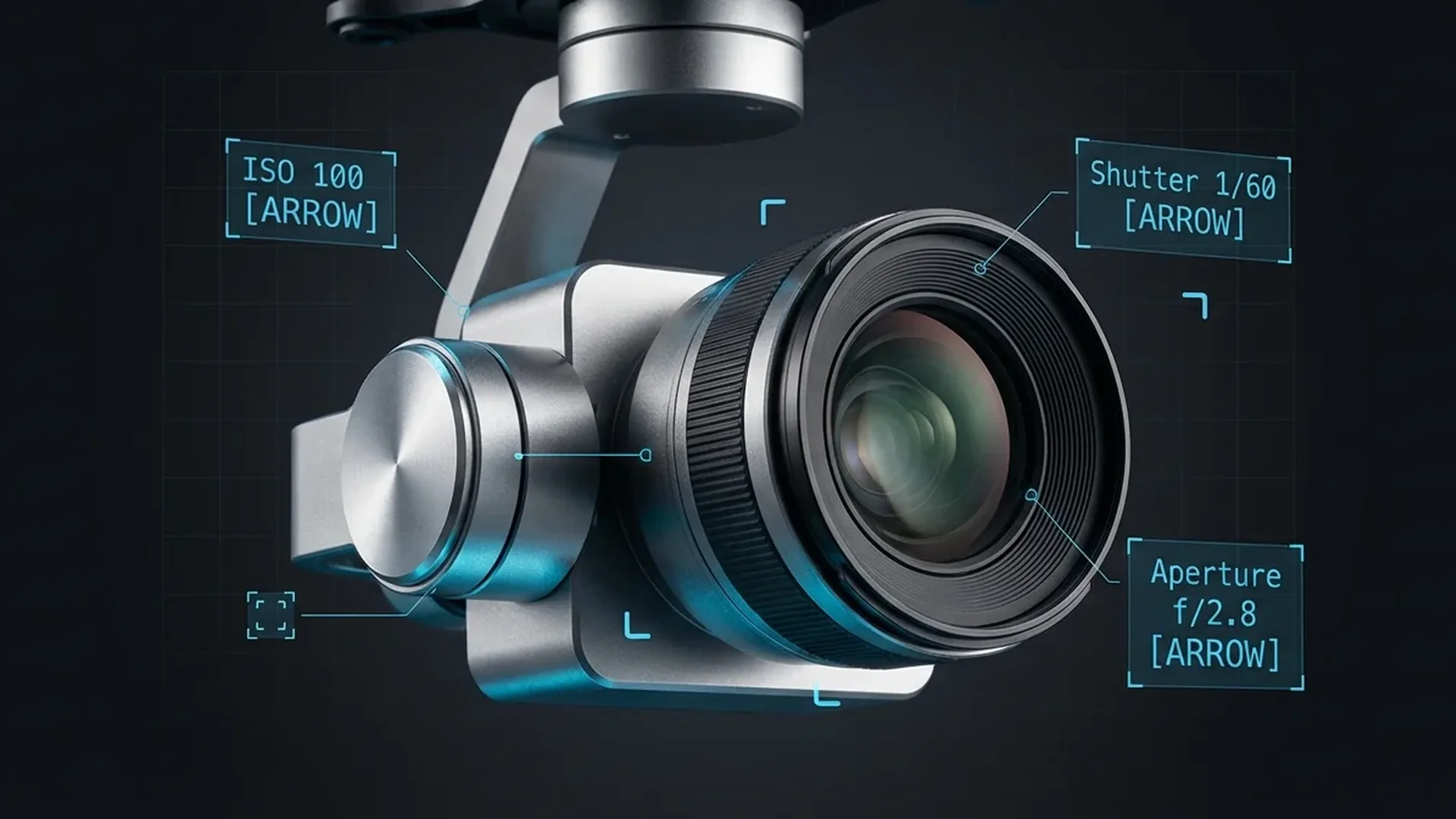
Important note: Most consumer drones (Mini 4 Pro, Air 3, Mavic 3) have a fixed aperture — meaning you can't adjust the f-stop manually. The DJI Mini 4 Pro is permanently set at f/1.7 according to official DJI specifications. This means exposure is controlled exclusively through ISO, shutter speed, and — when needed — ND filters.
ISO: Sensor Sensitivity
ISO determines how much the sensor signal is amplified. Low ISO = clean image, high ISO = brighter but noisier image. For aerial photography, the golden rule is: keep ISO as low as possible.
According to the official DJI Mini 4 Pro specifications:
- 12 MP Photo: ISO 100-6400
- 48 MP Photo: ISO 100-3200
- Video Normal/Slow Motion: ISO 100-6400
- Video D-Log M / HLG: ISO 100-1600
- Night Mode: ISO 100-12800
In practice, the Mini 4 Pro's 1/1.3″ sensor delivers acceptable quality up to ISO 400 during daylight, and up to ISO 800-1600 at night when there's sufficient ambient light. Beyond that, visible noise appears — especially in the shadow areas. The Dual Native ISO fusion technology helps, but it's not magic.
Practical Rule: If you're shooting in daylight at ISO 100 and the image is too dark, DON'T increase ISO first. Slow down the shutter speed instead. If that's not enough, then gradually increase to ISO 200, 400. Raising ISO should always be your LAST resort.
Shutter Speed
Shutter speed determines how long the sensor is exposed to light. Fast shutter = frozen motion. Slow shutter = motion blur. The DJI Mini 4 Pro offers a range from 1/16000s to 2 seconds at 12MP, plus simulated long exposure up to 8 seconds.
For Photography
In aerial photography, you need a fast enough shutter to eliminate blur from the drone's movement and micro-vibrations. General guidelines:
- Sunny day: 1/500 - 1/2000 (with ND filter if needed)
- Overcast: 1/250 - 1/500
- Golden hour: 1/125 - 1/500
- Twilight: 1/60 - 1/125
- Night (long exposure): 1 - 8 seconds (simulated long exposure)
For Video
For video, the "180-degree shutter rule" applies: shutter speed should be double the frame rate. This creates the natural motion blur your eyes expect:
- 30fps: Shutter 1/60
- 60fps: Shutter 1/120
- 100fps (slow motion): Shutter 1/200
If you're shooting 4K/30fps on a bright day without an ND filter, the shutter speed will skyrocket (e.g. 1/4000) to compensate for brightness. The result: “jittery” video with no motion blur that looks unnatural. This is exactly where ND filters come in.
📖 Read more: Drone Accessories: What You Actually Need
ND Filters: Sunglasses for Your Drone
ND (Neutral Density) filters reduce the amount of light reaching the sensor without changing colors. Think of them as sunglasses for the camera. They let you use slow shutter speeds even in bright light — essential for cinematic video.
ND filters are rated as ND4, ND8, ND16, ND32, ND64 — the number indicates how much light is reduced:
- ND4: 2-stop reduction — light overcast, early morning/late afternoon
- ND8: 3-stop reduction — sunny days with soft light
- ND16: 4-stop reduction — bright sunny days
- ND32: 5-stop reduction — very bright sunshine
- ND64: 6-stop reduction — extreme light, midday summer
Practical Example: You're filming 4K/30fps (target shutter 1/60) on a bright day. Without an ND, the camera needs 1/2000 for correct exposure. The difference is ~5 stops → you need ND32. Attach the ND32, and now you can shoot at 1/60 with proper exposure and cinematic motion blur.
A reliable ND filter set (ND8/ND16/ND32/ND64) for the DJI Mini 4 Pro costs approximately €45-60 (~$49-65) — one of the most important investments after the drone itself.
White Balance: Consistent Colors
White Balance (WB) controls the color temperature of the image — how “warm” or “cool” it appears. It's measured in Kelvin (K). According to the official DJI Mini 4 Pro FAQ, you can manually set white balance through the DJI Fly app.
The reason to avoid Auto White Balance (AWB) — especially for video — is that the automatic algorithm constantly shifts the color tone based on what's visible in each frame. This creates subtle color shifts between frames that become visible in the final video as color “flicker.”
General White Balance values:
- 3000-3500K: Warm light (sunset, city artificial lighting)
- 4500-5000K: Autumn light, slightly warm
- 5500-6000K: Daytime, sunny sky (standard daylight)
- 6500-7000K: Overcast, shade
- 7500-8000K: Deep shade, blue hour
The practical advice: set WB manually before you start shooting and don't change it until you're done. If you're recording in D-Log M or HLG (10-bit color spaces), WB accuracy is less critical because you can easily correct it in post — but it's still good practice to start with the right baseline.
Image Format: JPEG vs RAW
The DJI Mini 4 Pro supports JPEG and DNG (RAW) formats according to official specs. The choice depends on your use case:
📖 Read more: Drone Aerial Photography: Beginner's Guide
JPEG: Compressed, small file size (3-8 MB), ready to use. The camera applies automatic processing (sharpening, noise reduction, color). Ideal if you don't plan on post-processing.
RAW (DNG): Uncompressed, large file size (20-40 MB), raw sensor data. Contains far more information in highlights and shadows, enabling extreme exposure corrections in Lightroom or Camera Raw without quality loss.
Our recommendation: JPEG+RAW. Use the JPEG for quick review and sharing, keep the RAW for your best shots. This does require ample storage — a 256GB V30 microSD card (approximately €30 / ~$33) is the minimum.
Video Settings: Resolution, Frame Rate & Color Profiles
The DJI Mini 4 Pro offers 4K at 24/25/30/48/50/60/100fps (H.264 or H.265) and FHD at 24-200fps, per official specifications. Max bitrate reaches 150 Mbps. What this means in practice:
- 4K/30fps: The most popular setting. Excellent balance of quality and file size. Ideal for YouTube and social media.
- 4K/60fps: Smoother motion, can be slowed to 50% when placed on a 30fps timeline. Supports HDR by default.
- 4K/100fps: Full slow motion — 3.3x slower when placed at 30fps. Only supports H.265 encoding with D-Log M.
- FHD/200fps: Extreme slow motion but at reduced resolution.
Color Profiles
The DJI Mini 4 Pro supports three main color modes:
Normal (8-bit 4:2:0): Ready-to-use colors, ideal if you don't do color grading. Vivid, saturated tones. Best for beginners.
D-Log M (10-bit 4:2:0): Flat, desaturated image that preserves far more information in highlights and shadows. Requires color grading in post. ISO capped at 1600. For serious cinematic work.
HLG (10-bit 4:2:0): Hybrid Log Gamma — designed for HDR displays. Delivers a relatively “ready-to-use” result with extended dynamic range, without mandatory color grading.
12 MP or 48 MP?
The DJI Mini 4 Pro features a 48 MP sensor (1/1.3″ CMOS), but the full 48 MP resolution (8064×6048) uses pixel-level readout without binning. The default 12 MP mode uses quad-pixel binning — 4 pixels merge into 1, creating a larger “virtual” pixel.
This means that at 12 MP:
- Better low-light performance
- Less noise at higher ISO
- Higher ISO range (100-6400 vs 100-3200)
- Burst shooting up to 3/5/7 frames
At 48 MP:
📖 Read more: Drone Panoramic Photography: Complete Guide 2026
- Much more detail — ideal for large prints
- Aggressive cropping without significant quality loss
- Lower ISO range (100-3200)
- Burst limited to 5 frames
Our recommendation: 12 MP for everyday use (social media, blogs, web). 48 MP only when you need prints or extreme crops — e.g. when you want to isolate a portion of the image and enlarge it significantly.
Settings by Scenario
Sunny Day — Landscape
The most common aerial photography situation. Abundant light, vivid colors.
- ISO: 100
- Shutter: 1/500 - 1/1000 (photo) | 1/60 with ND16-ND32 (video 30fps)
- White Balance: 5500K
- Format: RAW + JPEG
- Resolution: 12 MP (or 48 MP for prints)
Golden Hour — Sunset
The “golden hour” — 30-60 minutes before sunset. Warm, soft light.
- ISO: 100-200
- Shutter: 1/250 - 1/500 (photo) | 1/60 with ND8-ND16 (video 30fps)
- White Balance: 5000-5500K (deliberately slightly lower to enhance warm tones)
- Format: RAW (mandatory — sunset colors deserve post-processing)
Night Photography
The most demanding scenario. Minimal light, noise risk.
- ISO: 400-1600 (depending on available artificial light)
- Shutter: 1-8 seconds (simulated long exposure)
- White Balance: 3500-4000K (warm city light) or 6500K+ (blue hour)
- Format: RAW (mandatory — you'll need noise reduction in post)
- Tip: Use DJI Fly's Night Mode for ISO up to 12800
Fast Action
Cars, boats, sports. You want to freeze the moment.
- ISO: 100-400
- Shutter: 1/1000 - 1/4000 (photo)
- Burst Mode: 3/5/7 frames (12 MP) or 3/5 frames (48 MP)
- Video: 4K/100fps or FHD/200fps for slow-motion playback
AEB & Bracketing
Automatic Exposure Bracketing (AEB) captures multiple photos at different exposures automatically. The DJI Mini 4 Pro supports AEB at 3/5/7 frames at 12 MP (0.7 EV step) and 3/5 frames at 48 MP.
AEB is primarily useful for:
- HDR Photography: Merge the frames into a single image with extended dynamic range (in Lightroom: “Photo Merge → HDR”)
- Safety Shots: Unsure about the correct exposure? Shoot AEB and choose later
- High-contrast scenes: Dark building against a bright sky — AEB captures both correctly
Light Metering
The DJI Mini 4 Pro offers metering options through the DJI Fly app:
- Center-Weighted: Exposure based on the center of the frame. Good for landscapes where the main subject is centered.
- Average: The camera meters the entire scene. Ideal for evenly lit scenes.
- Spot: The camera meters a small point only — useful when you need correct exposure on a specific object (e.g. a building in shade).
For landscape aerial photography, Average metering works well in most situations. If you're photographing a specific subject (building, boat, car), try Spot metering on that subject.
Pre-Flight Checklist
Before takeoff, run through this list. It takes 60 seconds and saves you from photos you'll end up deleting:
- File format: RAW+JPEG (or JPEG only for casual shooting)
- Resolution: 12 MP or 48 MP depending on use case
- ISO: 100 (increase only when necessary)
- White Balance: Manual (5500K for daylight, adjust accordingly)
- Video color profile: Normal, D-Log M, or HLG — depending on workflow
- ND Filter: Attached according to brightness level
- microSD Card: Properly inserted, sufficient space available
- Gimbal Protector: Removed (DJI explicitly states: “remove before powering on”)