Battery Care: The Heart of Your Drone
The DJI Mini 4 Pro's lithium-ion (Li-ion) battery is the most critical component when it comes to maintenance. According to DJI's technical specifications, the battery has a capacity of 2,590 mAh (18.96 Wh), a nominal voltage of 7.32 V, and a maximum charging voltage of 8.6 V. Li-ion battery technology requires particular attention to charging, discharging, and storage practices.
One of the most common causes of premature battery degradation is storing batteries at full charge for extended periods. According to lithium polymer battery data, the ideal storage voltage is 3.6–3.9 V per cell, which corresponds to roughly 40-60% charge. DJI has a built-in auto-discharge function that gradually reduces charge after several days of inactivity — but you shouldn't rely on it exclusively.
Temperature & Charging
According to DJI's specs, the charging temperature must be between 5°–40°C (41°–104°F), while the operating temperature ranges from -10° to 40°C (14°–104°F). In practice, this means:
- Never charge a cold battery (<5°C / 41°F) — let it reach room temperature first
- Never charge immediately after a flight — the battery will be warm. Wait 15-20 minutes
- Store batteries in a cool, dry place (15-25°C / 59-77°F ideally)
- Never leave batteries in a car during summer — temperatures can exceed 60°C (140°F)
Mini 4 Pro Charging Times
Using the DJI 30W USB-C Charger:
- Battery in aircraft: 70 minutes
- Battery in Two-Way Charging Hub: 58 minutes
- The Hub charges 3 batteries sequentially, not simultaneously
Always use the official DJI 30W Charger (~€20-25 / ~$22-27) or a USB Power Delivery 30W charger. Lower-wattage chargers will charge more slowly, while higher-wattage chargers won't damage the battery (maximum charging power is capped at 30W).
Another important consideration: lithium batteries exhibit self-discharge of approximately 5% per month. If you won't be using your drone for several weeks, ensure the battery is at 40-60% and check it every 2-3 months.
Propellers: Inspection & Replacement
Propellers are the components that endure the greatest stress during every flight. The DJI Mini 4 Pro's 4 propellers spin at thousands of RPM and are responsible for stability, control, and overall performance.
Before every flight, propeller inspection should be routine:
- Visual inspection: Look for cracks, nicks, warping, or broken tips. Even minor damage can cause vibrations that affect stability and footage quality
- Alignment: Propellers should seat properly on the motors. If they wobble or don't click into place, something is wrong
- Cleanliness: Remove dirt, sand, or grass from propellers after every flight
- Replacement: DJI recommends replacing propellers after 200+ flights or immediately if any damage is visible. A replacement set costs ~€8-12 (~$9-13)
📖 Read more: Best Drones for Beginners 2026
Sensors & Camera: Cleaning & Care
The DJI Mini 4 Pro features an omnidirectional binocular vision system (obstacle avoidance sensors in every direction) plus a 3D infrared sensor on the bottom. It has sensors covering forward, backward, lateral, upward, and downward directions. All of these sensors must be clean for proper operation.
According to the specs, the sensors work correctly on surfaces with discernible patterns and adequate lighting (lux > 15). If the lenses are dirty or foggy, the effective measurement ranges drop dramatically.
How to Clean Properly
- Sensor lenses: Use a microfiber cloth — NEVER paper towels or regular fabric. If there's dust, blow it off with an air blower first, then wipe
- Camera lens (24mm f/1.7): The 1/1.3″ CMOS 48MP sensor needs a clean lens. Use a lens pen or wet microfiber lens wipes
- Gimbal: Don't touch the gimbal with your fingers. The 3-axis stabilization system (tilt/roll/pan) is extremely sensitive — angular vibration is just ±0.01°
- Drone body: Soft brush or soft cloth. Remove dust, sand, and moisture after every flight
- 3D IR sensor (bottom): Wipe with microfiber — it works on objects with reflectivity >10%, but a dirty lens reduces the measurement range (0.1-8 m)
Gimbal Protector: Don't Forget!
Always attach the gimbal protector/cover when you're not flying. The gimbal is the most delicate part of the drone — a single impact can destroy the mechanical stabilization mechanism. A gimbal replacement through DJI repair costs €100+ (~$109+), while the protector comes included in the box.
Firmware Updates: Why They're Critical
DJI guarantees software updates for the Mini 4 Pro through December 31, 2026. Firmware updates don't just bring new features — they fix bugs, improve flight stability, upgrade obstacle avoidance algorithms, and patch security vulnerabilities.
Updates are delivered via:
- DJI Fly app: The most common method. Connect the controller, power on the drone, and the app will notify you of available updates
- DJI Assistant 2: USB-C connection to your computer. Useful if the WiFi update fails
When NOT to update:
- Right before an important shoot — an update may change settings or behavior
- On weak WiFi (hotel, mobile hotspot) — a half-downloaded firmware can cause issues
- If the battery is below 50% — never interrupt a firmware update mid-process
📖 Read more: Cheap Drones with Camera: Top 10 Picks
MicroSD & Storage
The DJI Mini 4 Pro has 2 GB of internal storage (enough only for emergencies) but requires a microSD card for regular use. DJI recommends specific cards that meet the speed requirements for 4K/60fps recording at 150 Mbps:
Recommended MicroSD Cards
| Card | Capacity | Speed |
|---|---|---|
| SanDisk Extreme PRO | 32 GB | V30, U3, A1 |
| Lexar 1066x | 64-512 GB | V30, U3, A2 |
| Kingston Canvas GO! Plus | 64-128 GB | V30, U3, A2 |
| Kingston Canvas React Plus | 64-256 GB | V90, U3, A1 |
| Samsung EVO Plus | 512 GB | V30, U3, A2 |
The card must be formatted as exFAT (file system). DJI recommends formatting through the DJI Fly app before any important shoot. Never remove the card during recording — it can corrupt files.
If you notice recording stuttering or errors, replace the card. MicroSD cards have limited write cycles and wear out over time, especially with continuous 4K footage.
Long-Term Storage
If you don't plan to fly for several weeks or months (e.g., during winter), proper storage is critical:
- Batteries at 40-60%: Never store fully charged or completely empty batteries. The ideal storage voltage is 3.6-3.9 V per cell
- Temperature 15-25°C (59-77°F): Store indoors, away from direct sunlight and humidity
- Gimbal protector attached: Protects the gimbal and lens from dust
- Propellers removed or aligned: Remove propellers if storing in a tight space
- MicroSD removed: Remove the card and store it separately
- Carrying case: The official DJI carrying case or equivalent protects against bumps and dust
Every 2-3 months of inactivity, power on the drone, perform a brief hover or flight (if safe to do so indoors) to keep the moving parts active. Check the battery — if it has dropped below 20%, charge it back to 50%.
📖 Read more: Cinematic Drone Shots: 10 Essential Moves
Regular Maintenance Schedule
Before Every Flight
- Visual propeller inspection
- Clean sensor lenses
- Check battery level (>50%)
- Gimbal calibration if needed
- Verify microSD free space
- Wait for GPS lock before takeoff
Every 10-15 Flights
- Detailed propeller inspection
- Full drone body cleaning
- Check for firmware updates
- Back up footage to external drive
- Inspect landing gear and chassis
- Format microSD card
Every 2-3 Months
- Replace propellers if worn
- Full sensor deep clean
- Battery charge cycle
- IMU & compass calibration
- Check battery health in DJI Fly
- If stored: verify battery charge level
What DJI's Warranty Does NOT Cover
According to DJI's official after-sales service policy, the limited warranty does not cover damage caused by:
- Crashes or fire from non-manufacturing factors (pilot errors)
- Unauthorized modification, disassembly, or opening the shell
- Improper installation or use outside of published guidelines
- Unauthorized third-party service or repairs
- Misuse of batteries or chargers
- Flying in adverse weather conditions (strong wind, rain, sand/dust storms)
- Flying in electromagnetic interference zones
- Operating at weight exceeding safe takeoff limits
- "Forced flight" with aged or damaged components
- Use of unauthorized third-party replacement parts
The warranty does cover manufacturing defects under normal use in accordance with DJI's published materials (user manuals, safety guidelines, specifications, in-app notifications).
DJI Care Refresh: The Solution
If you want coverage beyond the standard warranty, DJI Care Refresh (~€45-55 / ~$49-60 per year) offers replacement within 2 business days even for damage caused by pilot error, crashes, or water exposure. It can be activated within 48 hours of the drone's first activation or through the DJI Fly app.
Essential Maintenance Tools
You don't need much — but the basics make a huge difference:
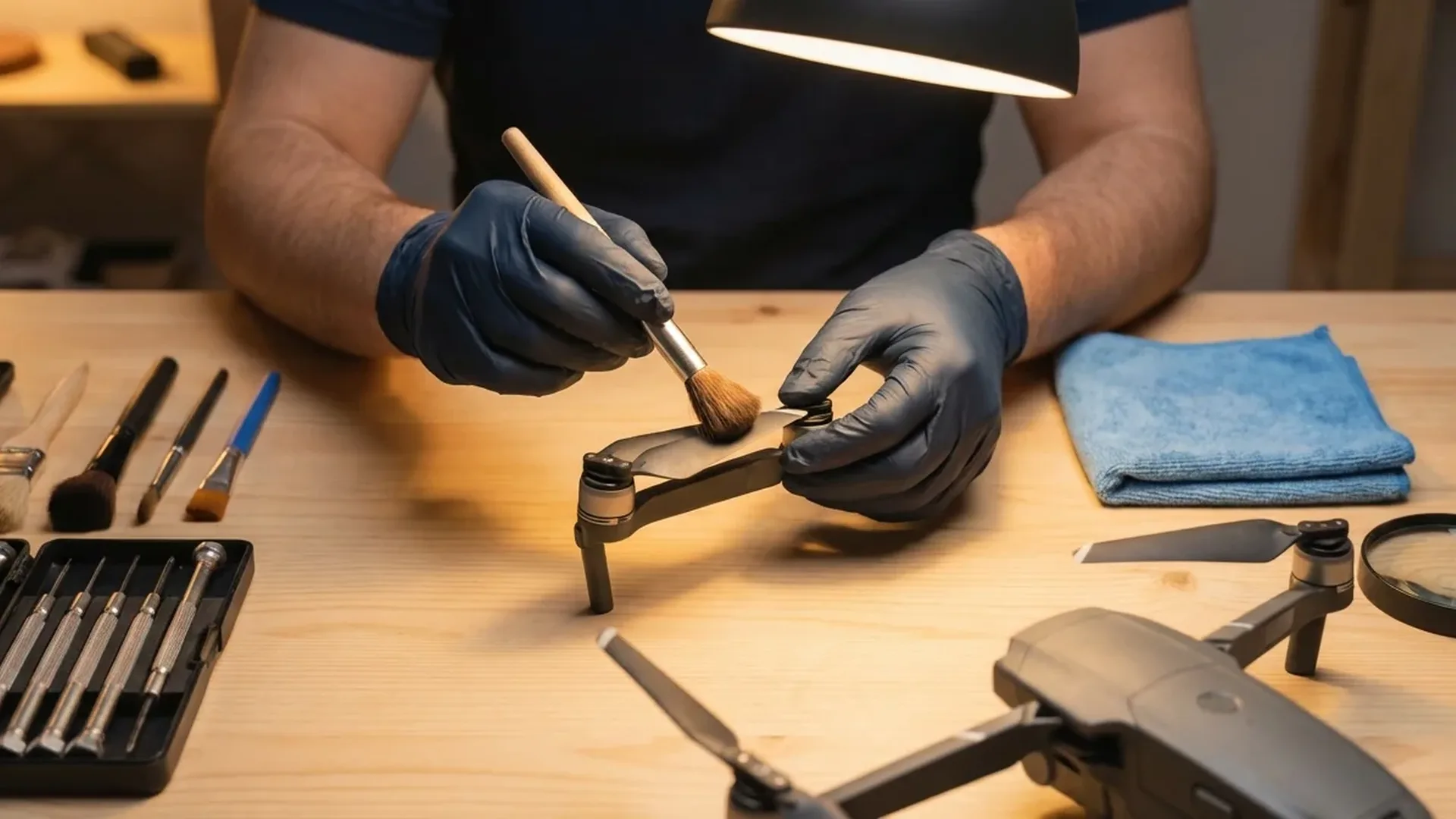
- Microfiber cloths (2-3): One for lenses/sensors, one for the body
- Lens pen: For precise camera lens cleaning (~€8-12 / ~$9-13)
- Air blower: To remove dust without physical contact (~€5-8 / ~$6-9)
- Small soft brush: For dust in hard-to-reach areas
- Isopropyl alcohol (70-90%): For stubborn lens stains (applied to microfiber, never directly)
- Landing pad: Protects from dust/dirt during takeoff and landing (~€10-15 / ~$11-16)
- Hard case / carrying bag: The official DJI case or a quality third-party alternative
Conclusion
Drone maintenance isn't complicated, but it demands consistency. The core principles are simple: keep propellers in good condition, care for your battery properly (charging, storage, temperature), clean sensors regularly, always update firmware, and store the drone correctly. By following these steps, your DJI Mini 4 Pro will serve you reliably through hundreds of flights — and retain its resale value at its peak.