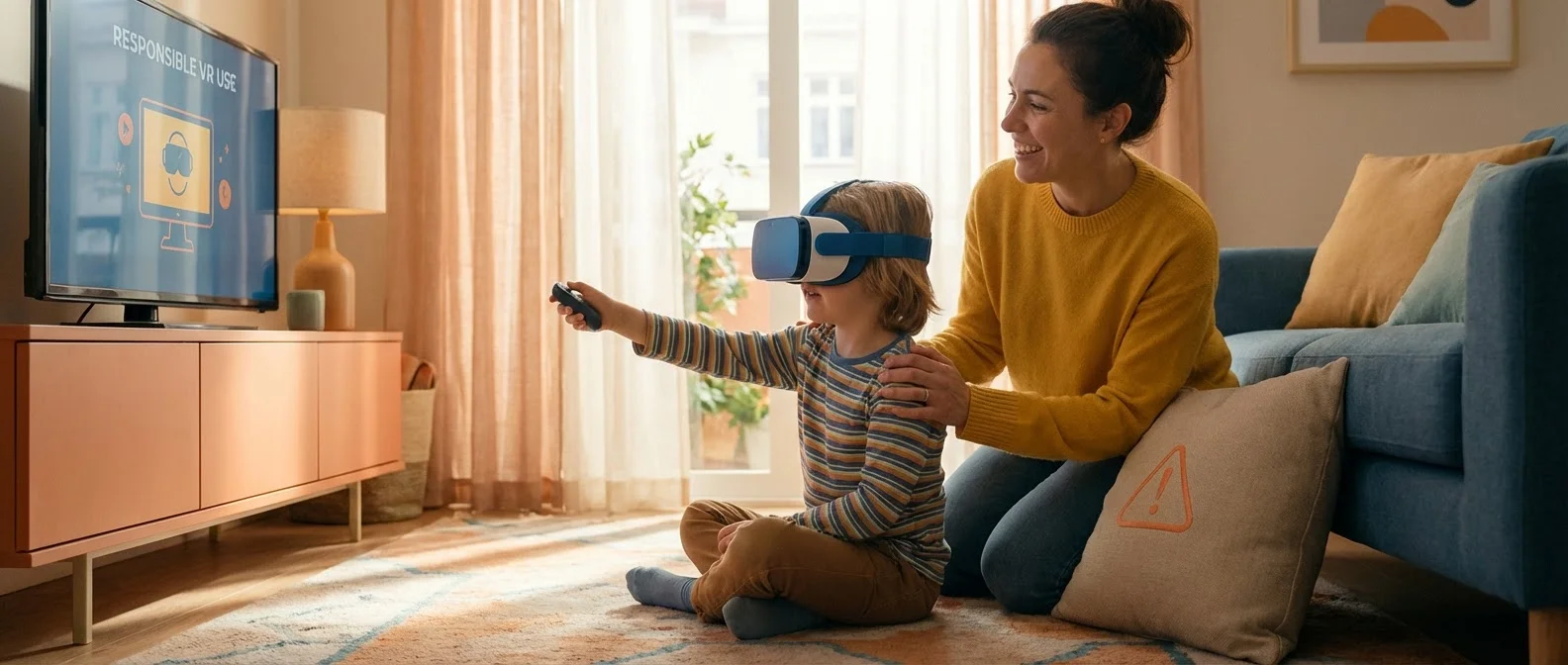
VR headsets are becoming increasingly popular, and many children are eager to try them. But is virtual reality safe for kids? What's the right age, what risks exist, and how can you as a parent protect your children? In this comprehensive guide, we cover everything — from age limits and health risks to parental controls and recommended apps.
Age Limits: What Manufacturers Say
The Industry's Position
Most VR headset manufacturers — including Sony (PlayStation VR2), HTC, and Valve — set the minimum use age at 13 years. Meta is the exception, allowing use of Quest headsets by children aged 10 and above, provided a parent supervises through a supervised account.
Why 13? This age isn't arbitrary. It's based on the US COPPA (Children's Online Privacy Protection Act), which prohibits collecting data from children under 13 without parental consent. Additionally, children's eyes and brains are still developing, so prolonged VR use may have negative effects.
Why These Limits Exist
Age limits are based on several factors:
- Vision development: Binocular vision matures around age 7, but depth perception continues developing until 12-13
- IPD (Interpupillary Distance): VR headsets are designed for adult IPD (60-68mm). Children have smaller IPD (50-55mm), which can cause blurriness and strain
- Psychological maturity: Younger children struggle to distinguish virtual from actual reality
- Physical size: Headsets are heavy for small heads and can cause neck pain
Physical Risks
Motion Sickness (Cybersickness)
VR motion sickness (cybersickness) is much more common in children. It occurs when the eyes “see” movement but the body doesn't feel it. Symptoms include dizziness, nausea, sweating, and general discomfort.
Tip: If your child reports any discomfort, stop usage immediately. Don't insist on “getting used to it” — children may not accurately express what they're feeling.
Eye Strain and Vision
VR places screens very close to the eyes. While modern displays focus at “optical infinity” (~1.3-2 meters), prolonged use can cause:
- Dry eyes (fewer blinks during use)
- Eye fatigue and headaches
- Possible temporary blurriness after use
- Concerns about long-term impact on vision development
Physical Injuries
Children wearing a VR headset cannot see their real surroundings. This can lead to:
- Collisions with furniture, walls, or other objects
- Tripping and falling
- Hitting pets or other family members
- Wrist injuries from overly enthusiastic controller movements
Psychological Risks
Social Isolation
Excessive VR use can replace real-world social interactions. Children who spend too much time in virtual worlds may miss out on important social skills that develop through face-to-face contact. It's crucial that VR doesn't replace outdoor activities and play with friends.
Exposure to Inappropriate Content
VR makes content far more impressive and realistic. A scary scene or violent game is far more intense in VR compared to a flat screen. Children may be seriously frightened or negatively affected by experiences that wouldn't bother them on a regular display.
Online Interactions
Platforms like VRChat, Rec Room, and Horizon Worlds allow interaction with strangers. Children may be exposed to:
- Inappropriate language and behavior
- Cyberbullying in a more “terrifying” form due to immersion
- Strangers attempting to obtain personal information
- Virtual harassment
"Virtual reality can be an exceptional educational tool, but only with proper supervision. Treat the VR headset like you would a smartphone — with rules, limits, and open communication."
— European Digital Safety CentreEducational Benefits of VR
Despite the risks, VR can be an invaluable educational tool when used properly:
Virtual Field Trips
Visit museums, archaeological sites, and natural phenomena without leaving home. Apps like Google Earth VR open the world to children in ways textbooks never could.
Science Learning
Explore the human body, the solar system, or chemical reactions in 3D. Immersive learning increases knowledge retention by up to 75% compared to traditional methods.
Creativity
3D painting and design apps like Tilt Brush let children express themselves creatively in three-dimensional space, unleashing imagination beyond flat canvases.
Social Skills
Controlled VR social environments can help children with social anxiety or autism practice social skills in a safe, structured setting.
Parental Controls on Meta Quest
Meta offers the most comprehensive parental control tools in the VR market. Here's how to set them up:
Setting Up a Supervised Account
Since June 2024, Meta allows the creation of supervised accounts for children aged 10-12. The parent creates the account through the Meta Quest app on their phone and controls:
- Which apps the child can download
- Screen time limits
- Privacy settings
- The friends list
App Approval and Screen Time
Through the Meta Quest app, parents can:
Purchase Approval
Every app purchase or download request goes through parental approval. No spending without permission.
Time Limits
Set daily and weekly time limits. The headset locks automatically when time is up.
Usage Monitoring
See which apps your child uses and how much time they spend on each one.
Content Blocking
Block apps with age ratings that are inappropriate for your child.
Tips for Safe VR Use
Safety Rules for Parents
- Play every game yourself before giving it to your child
- Set up Guardian boundaries properly in a safe space
- Limit sessions to 20-30 minutes with breaks
- Play together with your child in multiplayer apps
- Talk openly about what they see and feel in VR
- Regularly check parental control settings
- Leaving young children alone with a VR headset
- Horror games or games with excessive violence
- VR use before bedtime — it disrupts sleep cycles
- Social VR platforms without supervision (VRChat, Rec Room)
- Ignoring complaints about dizziness or headaches
- Using VR as a “babysitter” for hours
Recommended Apps for Children
If you decide to let your child use VR, start with these safe, age-appropriate apps:
Job Simulator
A hilarious career simulation in cartoon style. Suitable for all ages, with no violence and plenty of fun.
Moss & Moss: Book II
A magical adventure game starring a tiny mouse hero. Excellent story, low-intensity gameplay, perfect for beginners.
National Geographic Explore VR
Explore Antarctica and Machu Picchu in stunning VR. Educational, inspiring, and family-friendly.
Beat Saber
A rhythm music game that encourages physical movement. Great for kids 10+, excellent exercise disguised as fun.
Guidelines by Age Group
What's Appropriate by Age
VR use is not recommended at all. Vision development and psychological maturity are insufficient. If you want to demo VR, limit it to 2-3 minutes under full supervision.
Very limited use (10-15 minutes). Educational apps and seated experiences only. Always with a parent present. Avoid multiplayer experiences.
Moderate use (20-30 minutes). Use Meta Quest supervised account. Approved apps only. Avoid social VR platforms and violent content.
Regular use with rules. Sessions up to 45 minutes with breaks. Social VR with supervision. Discuss their experiences regularly. Monitor purchases.
Bottom Line: No age limit is absolute. Every child is different. Observe your child's reactions, talk openly with them, and adjust the rules according to their needs. VR technology can be a fantastic learning tool — as long as it's used wisely.