
Imagine working from home, yet finding yourself in a stunning office with a view of the Alps, alongside colleagues from around the world. No commuting, no office rent, no limitations. This is the future of working in VR — and it’s already here.
📖 Read more: Foveated Rendering: How Eye Tracking Transforms VR
The 2020 pandemic changed the way we think about work forever. Zoom and Teams became essential, but we all realized their limitations: video call fatigue, lack of genuine connection, inability to collaborate as if we were in the same room.
VR is here to solve these problems. Virtual workspaces offer something video simply cannot: a sense of presence. When you see your colleague as an avatar right next to you, when you can point at something with your hand, when you share the same virtual space — communication changes fundamentally.
The Best Platforms for VR Work
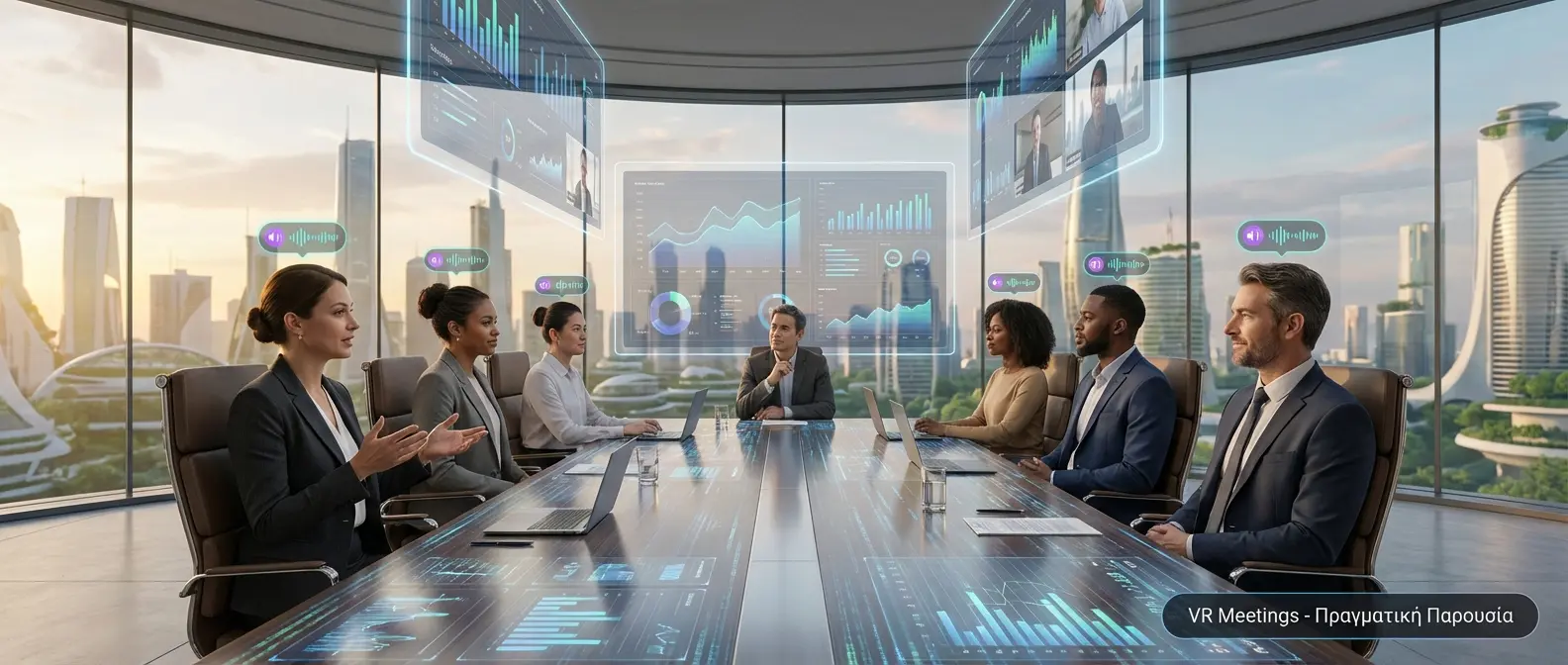
VR Meetings – True Presence
In 2026, there are several mature platforms for working in VR. Each one has its strengths:
Horizon Workrooms
Meta (Quest 3, Quest Pro)
Meta’s most complete solution. Virtual meeting rooms with whiteboards, screen sharing, and hand tracking. Free for Quest users.
Immersed
Immersed Inc. (Cross-platform)
The best choice for individual work. Up to 5 virtual screens from your computer in massive size, anywhere you want — beach, space, mountain.
Spatial
Spatial.io (Cross-platform)
Ideal for creative teams. 3D collaboration with the ability to import 3D models, presentations, and files. Perfect for designers and architects.
Arthur
Arthur Technologies (Enterprise)
Enterprise-grade solution for large companies. Security, analytics, integrations with Slack/Teams, custom avatars. Used by Fortune 500 companies.
Gather
Gather Presence (2D/VR Hybrid)
A virtual office in pixel art style. You move around a 2D space, and when you approach someone, a video call opens automatically. More accessible for VR beginners.
VRChat Business
VRChat Inc. (Cross-platform)
The most popular social VR platform now with business features. Private instances, custom worlds, avatar branding. Massive community and endless customization possibilities.
What Can You Do in a VR Office?
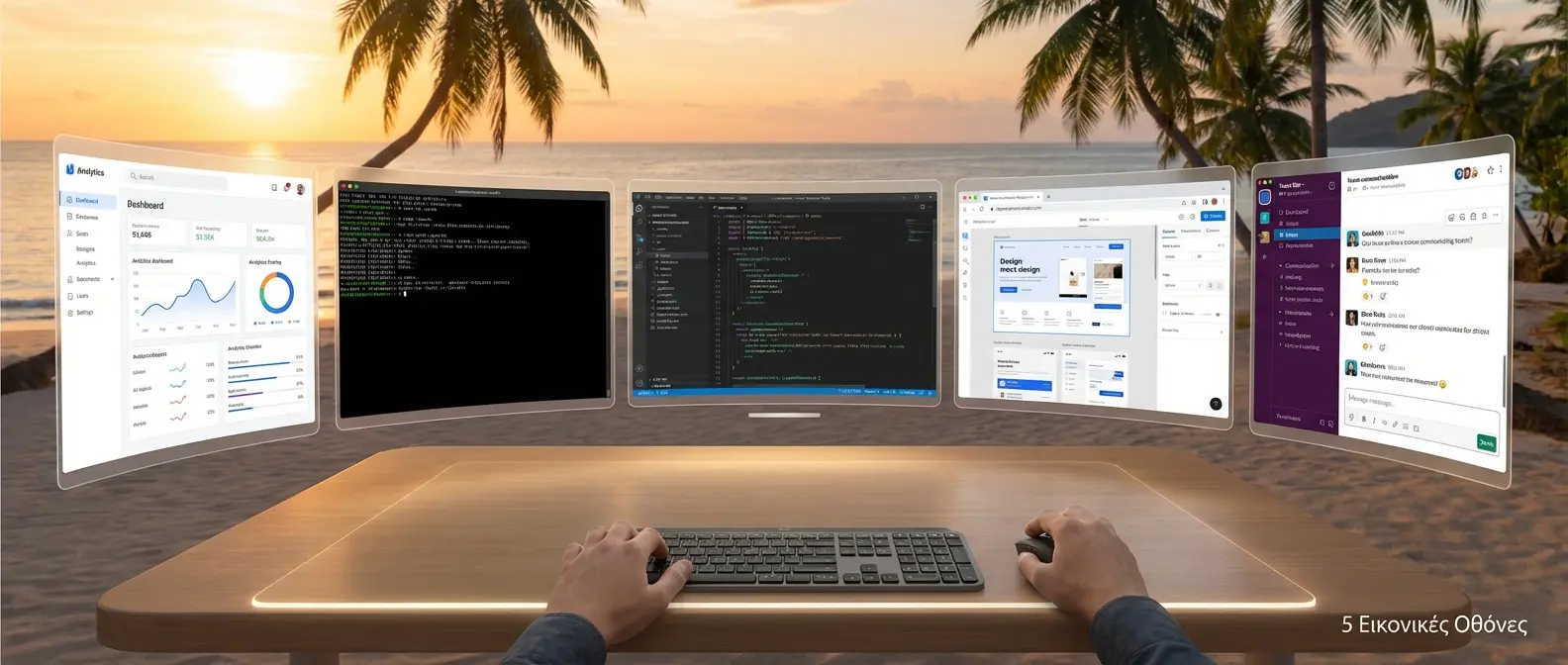
5 Virtual Screens
📖 Read more: VR Tourism: Virtual Travel Around the World
Working in VR isn’t just a video call with 3D avatars. The capabilities are far more extensive:
📊 Meetings & Presentations
VR meeting rooms can host 10–50 people depending on the platform. The big difference? Spatial audio — you hear sound coming from the direction someone is speaking, just like in real life. You can also read body language, hand gestures, and gaze direction.
🖥️ Multiple Virtual Screens
With apps like Immersed or Virtual Desktop, you can have up to 5 massive screens around you — something impossible in the physical world without spending thousands of euros. Imagine: code editor on one, browser on another, Slack on the third, and reports on the fourth.
✏️ Collaborative Whiteboards
3D whiteboards in VR are a game-changer for brainstorming. You can write, draw, paste images, and see in real time what others are doing. It’s far more natural than Miro or Figma.
🏢 Virtual Office Space
Some companies create permanent virtual offices. You come to “work” every day, have your own desk, see who’s available, and head to the virtual kitchen for coffee. It sounds strange, but it works amazingly well for remote teams.
🎓 Training & Onboarding
Training in VR is 4 times more effective than e-learning. New employees can take virtual factory tours, learn processes hands-on, and practice safety protocols without any risk.
💡 Real-world Example: Accenture
Accenture purchased 60,000 Quest 2 headsets for its employees. They use VR for onboarding, training, and meetings. They report a 30% increase in employee engagement and a significant reduction in travel expenses.
The Essentials for VR Work
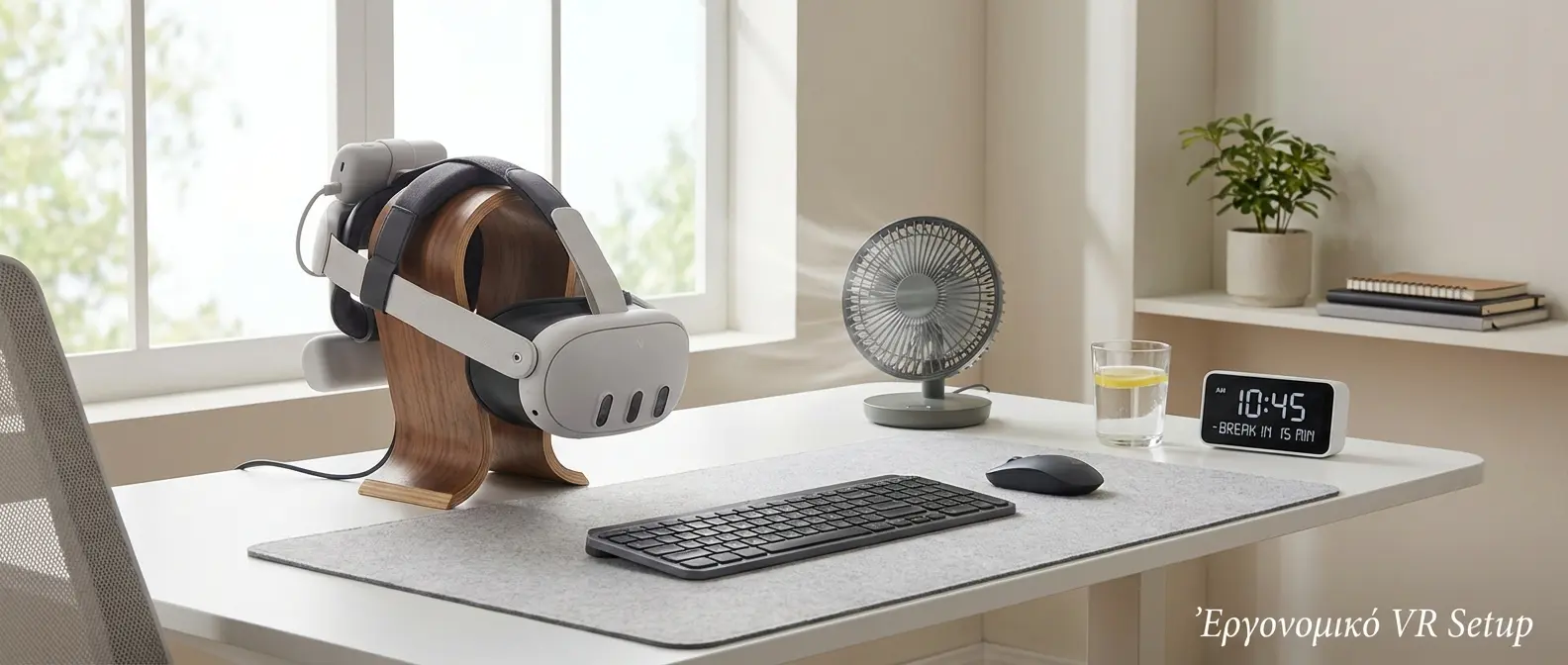
Ergonomic VR Setup
To work effectively in VR, you need:
| Equipment | Recommendations | Price | Importance |
|---|---|---|---|
| VR Headset | Quest 3, Quest Pro, Apple Vision Pro | €550 - €4,000 | ⭐⭐⭐⭐⭐ |
| Comfort Strap | Elite Strap, BOBOVR, Kiwi Design | €30 - €100 | ⭐⭐⭐⭐⭐ |
| Bluetooth Keyboard | Logitech MX Keys, Apple Magic Keyboard | €80 - €150 | ⭐⭐⭐⭐ |
| WiFi 6/6E Router | Asus, TP-Link AX series | €80 - €300 | ⭐⭐⭐⭐ |
| VR Face Cover | Silicone face covers | €15 - €40 | ⭐⭐⭐ |
| Fan | USB desk fan for the face | €15 - €30 | ⭐⭐⭐ |
Advantages of VR Work
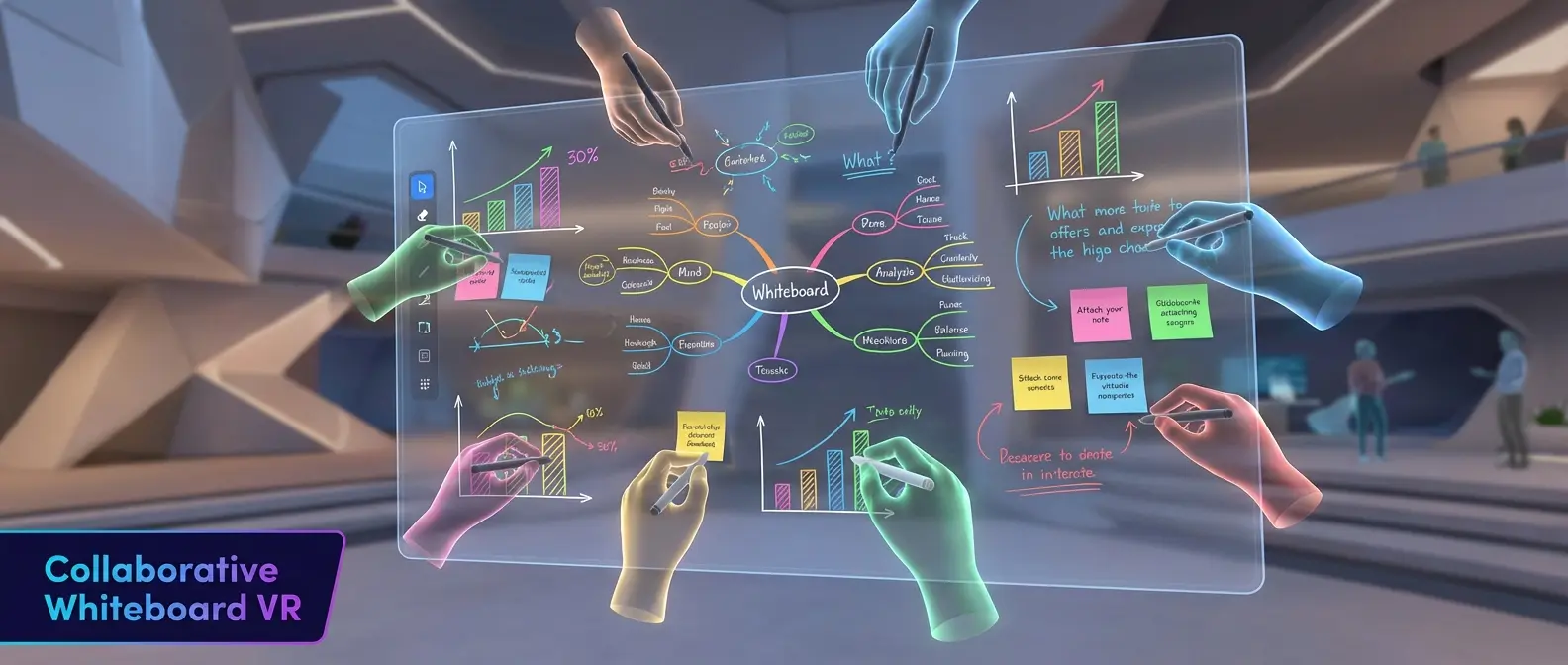
Collaborative Whiteboard VR
Why work in VR instead of a traditional multi-monitor setup?
Absolute focus. When you put on the headset, distractions vanish. You can’t see your phone, nobody interrupts you, you’re not staring out the window. It’s like “deep work mode” by default.
Unlimited screen space. Instead of 2–3 monitors, you can have as many screens as you want, as large as you want. A 100″ display for code is a reality in VR.
Work from anywhere. In a hotel, on a plane, at a friend’s house — your office is always with you. And you can change your “environment” whenever you like.
Better communication. VR meetings feel more “real” than video calls. Spatial audio, expressive avatars, the sense of presence — all contribute to better collaboration.
Zero travel costs. Companies save thousands of euros per employee per year by replacing business trips with VR meetings.
📖 Read more: Eye Tracking in VR: How It's Changing the Experience
The Drawbacks (and Solutions)
VR work isn't perfect. There are challenges:
😓 Comfort Over Long Hours
Headsets get heavy after 1–2 hours. Solution: Invest in a good strap (BOBOVR, Elite Strap), take breaks every 45 minutes, and don't expect to work 8 hours straight in VR — 3–4 hours is a more realistic goal.
👀 Eye Strain
The fixed focal distance of most headsets causes eye fatigue. Solution: Use dark mode everywhere, follow the 20-20-20 rule (every 20 minutes, look at something 20 feet away for 20 seconds), and consider prescription lens inserts if you wear glasses.
⌨️ Typing Difficulty
You can't see the keyboard with the headset on. Solution: Newer headsets (Quest 3, Vision Pro) have passthrough that lets you see your hands. Alternatively, learn touch typing or use voice-to-text.
🤢 Motion Sickness
Some people feel nauseous in VR. Solution: Productivity apps don't involve movement, so they're much more tolerable. Check out our guide on VR sickness.
🔌 Battery Life
Standalone headsets last 2–3 hours. Solution: Battery pack on the strap, or use it plugged in at a fixed position.
Which Jobs Are Suited for VR?
Not all jobs are suitable for VR. The best use cases:
- Developers & Designers – Multiple screens, deep focus
- 3D Artists & Architects – Working with 3D models at real scale
- Remote Teams – Meetings, collaboration, team building
- Data Analysts – Large-scale visualization
- Writers & Content Creators – Absolute focus without distractions
- Trainers – Interactive training sessions
Less suitable are jobs that require constant contact with the physical world, heavy phone communication, or face-to-face customer service.
The Future: What’s Coming?
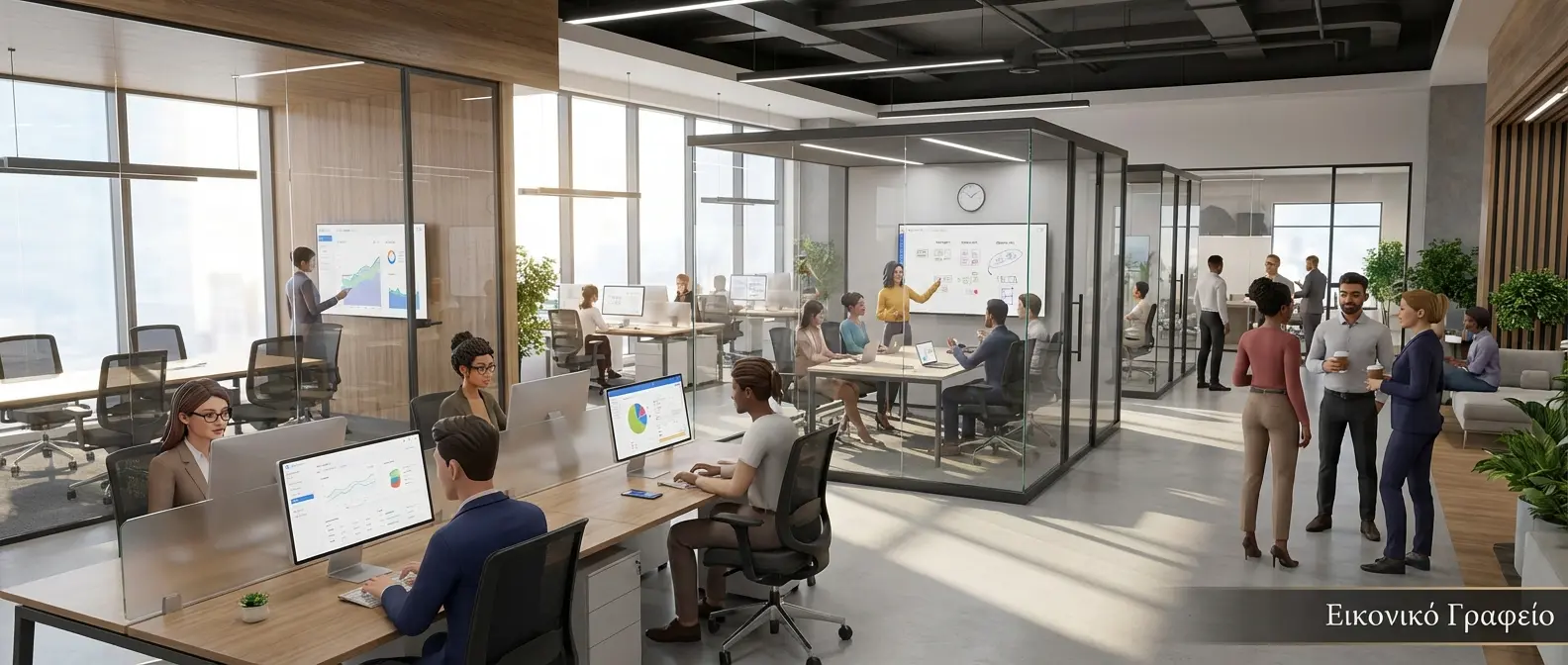
Virtual Office
Technology is evolving fast:
2026–2027: Headsets are getting lighter (under 300g), with better battery life (6+ hours), and varifocal lenses that reduce eye strain.
2027–2028: Full face tracking and realistic avatars that look like your real face. Haptic gloves for a sense of touch.
2028–2030: AR glasses instead of VR headsets — lightweight glasses that add virtual screens to the real world. Hybrid VR/AR work goes mainstream.
🎯 The Verdict
Working in VR isn’t science fiction — it’s here and now. Yes, there are limitations, but for the right use cases, the benefits are enormous: better focus, unlimited screen space, a sense of presence with remote teams. If you work remotely and want something better than endless Zoom calls, it’s worth trying.