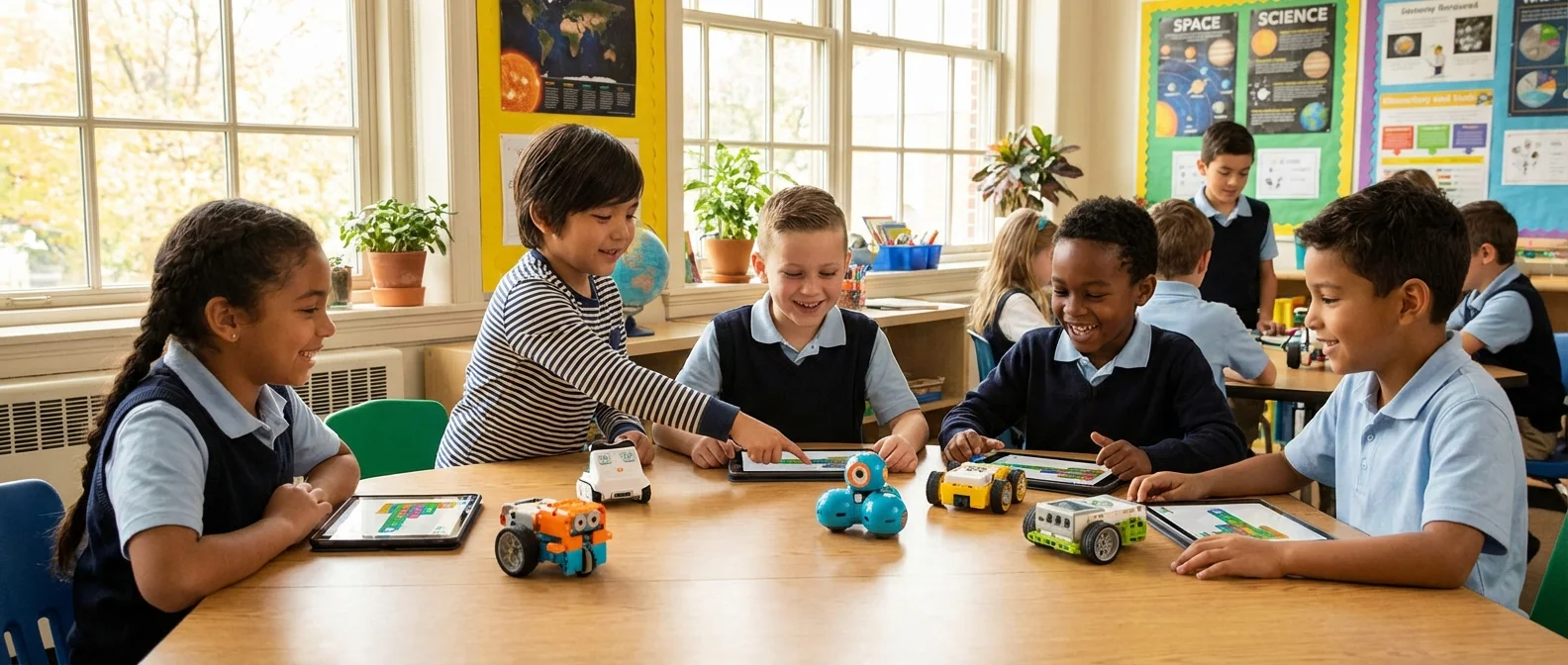
A box of plastic parts, a couple of servo motors, and a colorful drag-and-drop interface on a screen. It might look like a toy, but it is actually the gateway to programming, engineering, and logical thinking. Educational robots do not replace teachers — they give them a tool that turns abstract math, physics, and code into something students can see, touch, and break. In an era where artificial intelligence is reshaping every profession, STEM skills are no longer a bonus. They are baseline literacy.
📖 Read more: Kawasaki Corleo: Hydrogen Robot Horse Changes Everything
Why Robots in the Classroom?
The idea is not new. In 1998, LEGO released the Mindstorms Robotics Invention System in collaboration with the MIT Media Lab, built on Seymour Papert's philosophy of constructionism. The premise was simple: children learn best when they build something tangible. The first production run of 60,000–100,000 units sold out within three months.
Today, educational robotics extends far beyond a LEGO box. From small floor robots for preschoolers to open-source microcontroller platforms for university students, there is now an entire ecosystem covering every age group. The real lesson is never “how a robot moves” — it is how to decompose a problem into steps, how to test a hypothesis, how to fail, fix, and try again.
Categories of Educational Robots
🐝 Floor Robots (Ages 4–7)
The simplest educational robots need no screen or keyboard. Small floor bots like the Bee-Bot are programmed using physical buttons on the robot itself: forward, backward, left, right. Children press a sequence of commands and watch the robot execute their “line of code.” VEX Robotics offers VEX 123 for the same age bracket, featuring wireless programming through a physical module or a tablet app.
Bee-Bot / Blue-Bot
A bee-shaped robot with 7 buttons. Each press equals one command. Perfect for a first encounter with sequential logic. The Blue-Bot adds Bluetooth connectivity for tablet-based programming.
VEX 123
A round wheeled robot with a speaker and sensor. Programmed with a physical “Coder” (wireless module) or a Scratch-based app on a tablet. VEX provides ready-made STEM Labs for language arts and math integration.
🔧 Construction Kits (Ages 8–14)
This is where the magic starts. Kids physically build robots, wire up motors and sensors, and program them in block-based or text-based languages. This category is dominated by LEGO Education, VEX, and Makeblock.
LEGO Education SPIKE Prime
The spiritual successor to Mindstorms in education. Features an STM32F413-based hub, 3 motors (1 large, 2 medium), distance, force, and color sensors, and 520+ Technic elements. Programs in Scratch blocks or Python. Released in April 2019, it remains the flagship classroom kit.
LEGO Education SPIKE Essential
The “younger sibling” of SPIKE Prime. Designed for earlier grades with a simpler hub, fewer components, and story-driven learning activities. It replaced the WeDo 2.0 line.
VEX IQ
Plastic snap-together pieces with no screws — ideal for quick assembly. Programmed using block-based coding or Python via VEXcode IQ. Tightly integrated with the VEX IQ Robotics Competition.
Makeblock mBot 2
An affordable Arduino-based robot. Ultrasonic sensor, line follower, gyroscope, LED matrix. Built on ESP32, supporting Scratch, Python, and Arduino IDE. Exceptional value for money.
Sphero BOLT
A programmable sphere with an 8×8 LED matrix, gyroscope, accelerometer, light sensor, and compass. Waterproof. Ideal for teaching math (angles, speed) and physics (friction, momentum). Programmable in Scratch blocks or JavaScript via the Sphero Edu app.
🏗️ Metal Kits for High School (Ages 14–18)
VEX V5
Metal bolt-together parts for serious mechanical engineering. The V5 Brain features a color LCD touchscreen, 21 hardware ports, and an SD card slot. Motors include an internal encoder with swappable gear cartridges (100/200/600 rpm). Programming in C++ through VEXcode or PROS (C/C++ from Purdue University). The dominant platform in competitive high school robotics.
💻 Microcontroller Platforms (Ages 12+)
Arduino Uno R3
The godfather of the maker movement. An open-source platform born in Italy in 2005, with over 30 million active users. 14 digital I/O pins, 6 analog inputs. Low cost, massive community, thousands of tutorials. Acquired by Qualcomm in October 2025. Perfect for transitioning from block coding to real programming.
Raspberry Pi 5
A complete computer the size of a credit card. Runs Linux, Python, camera modules, AI frameworks. Ideal for advanced projects: computer vision, machine learning, IoT. Not just a microcontroller — it is a full desktop PC.
📖 Read more: NVIDIA Physical AI: How It Trains Every Robot on Earth
BBC micro:bit
A pocket-sized board with a 5×5 LED matrix, accelerometer, compass, Bluetooth, microphone, and speaker. Originally designed for UK schools. Incredibly low cost and beginner-friendly.
Educational Robot Comparison by Age
| Platform | Age | Price ($) | Language | Type |
|---|---|---|---|---|
| Bee-Bot | 4–7 | 100–120 | Buttons | Floor bot |
| VEX 123 | 4–7 | ~160 | Coder / Scratch | Floor bot |
| SPIKE Essential | 6–10 | 280–320 | Scratch blocks | Construction |
| mBot 2 | 8+ | 90–140 | Scratch / Python | Arduino-based |
| Sphero BOLT | 8+ | 160–180 | Scratch / JS | Sphere |
| VEX IQ | 8–14 | 320–430 | Blocks / Python | Snap-together |
| SPIKE Prime | 10+ | 350–400 | Scratch / Python | LEGO Technic |
| micro:bit | 10+ | 20–25 | MakeCode / Python | Microcontroller |
| Arduino Uno | 12+ | 25–30 | C / C++ | Microcontroller |
| VEX V5 | 14–18 | 550–900+ | C++ / PROS | Metal |
| Raspberry Pi 5 | 12+ | 65–90 | Python / Anything | SBC (Computer) |
After LEGO Mindstorms: A New Era
In October 2022, LEGO announced the discontinuation of the Mindstorms line after 24 years. The final set, Robot Inventor (51515), launched in 2020 with 902+ Technic pieces, 4 medium motors, distance and color sensors, and a hub with a 6-axis gyroscope. The company promised app support through 2024.
The discontinuation was significant but not catastrophic. The LEGO Education SPIKE line (Essential + Prime) continues in full force, shares the same hub as the Mindstorms Robot Inventor, and serves as the foundation for FIRST LEGO League competitions. In practice, LEGO shifted its educational robotics from toy store shelves (consumer) to schools (education-first).
The Mindstorms legacy remains remarkable: RIS (1998) → NXT (2006, $30 million in first-year sales) → EV3 (2013) → Robot Inventor (2020). Each generation introduced more powerful processors, more sensors, and easier programming. Today, that legacy lives on through SPIKE.
Robotics Competitions: Where Theory Meets Practice
Competitions are the mechanism that turns a school project into a passion. They give students motivation, deadlines, teamwork, and the joy — or agony — of head-to-head competition.
🏆 FIRST LEGO League (FLL)
Launched in 1998 alongside Mindstorms. Ages 9–14. Combines robot construction (now using SPIKE), autonomous course navigation, and a research project. Now accepts SPIKE sets following the Mindstorms discontinuation. Hundreds of thousands of students worldwide each year.
🏆 VEX Robotics Competition (V5RC)
Guinness World Record holder as the largest robotics competition in the world. 20,000+ teams, 50+ countries. Middle and high school. A new game challenge each year (2025–26: Push Back). 15-second autonomous period plus 1:45 of driver control. Finals in Dallas, Texas (moving to St. Louis from 2026). Broadcast on ESPN2, CBS Sports, and YouTube.
🏆 World Robot Olympiad (WRO)
An international robotics olympiad with categories from elementary through university. Multiple tracks: regular (build + code), open (free project), and Future Innovators.
🏆 RoboCup Junior
The junior edition of RoboCup. Categories include robot soccer, rescue, and dance. Uses LEGO Mindstorms/SPIKE, Arduino, or other platforms. Emphasizes creativity alongside technical skill.
📖 Read more: Robot Baristas: Coffee Without a Human Touch
What Students Actually Learn
Educational robotics does not just teach “how to build a robot.” The real lessons transfer to every field:
- Computational Thinking: Decomposing problems into steps, recognizing patterns, abstraction, algorithm design. A 9-year-old programming a line-following robot is doing exactly this.
- Engineering Design: Design → build → test → fail → improve → retest. The design cycle is not taught better by any textbook.
- Math in Context: Angles, speeds, ratios, and graphs stop being abstract numbers and become parameters that change the behavior of a physical object.
- Teamwork and Communication: A competition robot is built as a team. You must divide roles, document decisions, and present to judges.
- Resilience: A robot fails. Always. The ability to debug — in code or in mechanics — is a life lesson.
Research shows that educational robotics enhances executive functions — planning, logic, prediction — even in preschool-aged children. Applications in special education, such as using the Bee-Bot with children with Down syndrome, have shown improvements in peer interaction and engagement with adults.
How Much Does Classroom Robotics Cost?
For a typical elementary school, a classroom set of 5–10 SPIKE Essential kits ($1,600–3,200 total) covers a class of 20–30 students working in groups. The alternative: 10–15 micro:bit boards for $250–400 — less flashy, but remarkably effective.
From Blocks to Python: A Student's Journey
A typical path through educational robotics looks something like this:
- Pre-K (Ages 4–6): Bee-Bot or VEX 123. Sequential logic through physical buttons.
- Elementary (Ages 6–10): SPIKE Essential or VEX GO. Scratch blocks, sensors, motors.
- Middle School (Ages 10–14): SPIKE Prime or VEX IQ. Block-to-text transition, Scratch → Python. First competitions (FLL, WRO).
- High School (Ages 14–18): VEX V5, Arduino, Raspberry Pi. C++, Python, machine learning. VRC, VEX AI competitions.
- University (Ages 18+): ROS 2, TurtleBot, NAO. Research-grade robotics.
The transition from blocks to text code is critical. Modern tools handle it beautifully: VEXcode V5, for instance, lets you view block code simultaneously as C++, enabling a gradual learning curve with no “wall” between the two paradigms.
The AI Era in School Robotics
Artificial intelligence is finding its way into schools too. VEX launched the VEX AI Competition in April 2020, a fully autonomous format with no driver control. Teams use computer vision, sensor fusion, GPS positioning, and wireless robot-to-robot communication. In practice, high school students write autonomous navigation code comparable to what self-driving car engineers produce.
Meanwhile, platforms like Arduino — now under Qualcomm following the October 2025 acquisition — make edge AI accessible in classroom settings. With an Arduino and a TinyML camera, students can build robots that recognize objects without any cloud connection, which is the definition of hands-on machine learning.
What This Means for Educators
Teachers do not need to be engineers. Modern educational robots are explicitly designed for non-technical educators: they come with detailed lesson plans, video tutorials, and step-by-step guides. SPIKE Prime, for example, includes 30+ ready-made lessons aligned with education standards.
What a teacher does need is the willingness to let students fail. Educational robotics flips the classroom dynamic: the teacher becomes a facilitator, and the students become the engineers. That is magical — and terrifying in equal measure.
Educational robotics does not just produce future engineers. It produces people who know how to think logically, solve problems methodically, and not fear failure. In an age of AI, those are not “technical” skills — they are human ones.