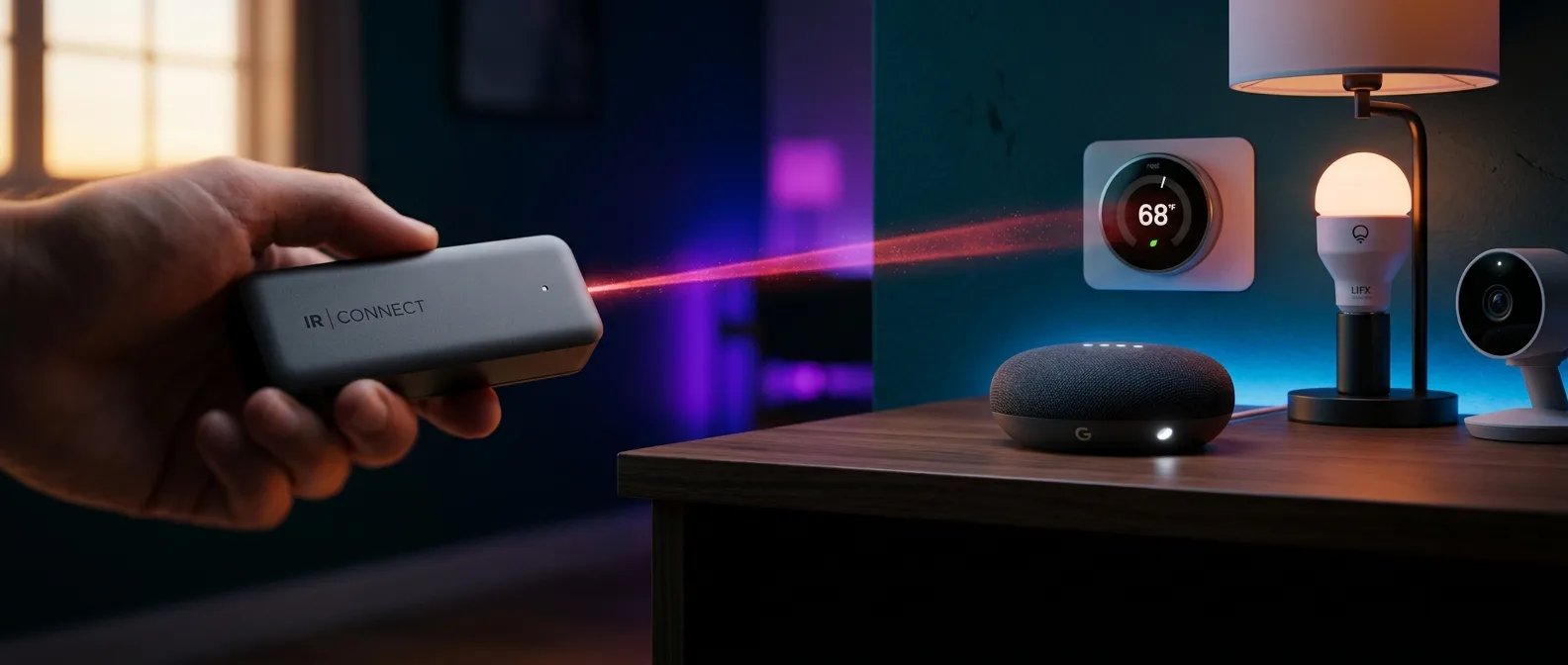
Your 2018 Samsung TV works perfectly. So does that air conditioner from 2015. But they're stuck in the stone age of remote controls while everything else in your house talks to your phone. Home Assistant 2026.4 just changed that equation. Every infrared device in your home can now join the smart home party.
📡 The End of Lost Remote Control Hunting
Home Assistant's latest release pulls off something that seemed impossible. It speaks fluent infrared to any device that understands IR commands.
Think about that Samsung TV in your living room. The air conditioner that cools your bedroom perfectly but lacks Wi-Fi. How many times have you torn apart couch cushions hunting for the remote?
The logic is simple but took years to implement correctly. Instead of buying new "smart" versions of working devices, Home Assistant transforms every IR receiver into an IoT endpoint. Every remote control becomes an app.
⚙️ Infrared Proxies: The Strategy That Worked
Home Assistant borrowed the playbook it used for Bluetooth. Back then, it created Bluetooth proxies — small ESPHome devices that extend Bluetooth range throughout your house.
Now it's doing the same with infrared support. Infrared proxies.
An ESPHome device with an infrared transmitter can send commands on behalf of Home Assistant. The central system now has "hands" that reach every remote control in your house.
LG is the first manufacturer with extensive support. The new LG Infrared integration creates a media player entity in Home Assistant with volume control, channel switching, playback commands, and button entities for every common function.
The Seeed Studio XIAO IR Mate
If you don't want to mess with soldering, there's a ready-made kit. The XIAO IR Mate connects to your computer and flashes directly from your browser through the ESPHome Ready-Made Projects page. Two clicks and you have a working infrared proxy.
It sounds technical, but it's easier than setting up a Wi-Fi extender.
🧠 Cross-Domain Triggers: The Big Automation Change
Along with infrared support, version 2026.4 brings something even bigger for automations. Cross-domain triggers. This changes how we think about smart homes.
Until now, if you wanted an automation triggered when "a door opens," you needed to know whether your door sensor was a binary sensor or cover entity. Technical details that shouldn't matter to you.
Doors & Windows
Triggers for opening/closing, regardless of binary sensors or covers
Motion & Occupancy
Motion detection across all sensor types
Temperature & Humidity
Temperature changes from any sensor type
Now you write "When a door opens" and Home Assistant understands all door sensor types. Add a new sensor upstairs and it automatically includes in the automation.
Targeting with Areas, Floors and Labels
The new cross-domain triggers support full targeting. You can write: "When a window on the upstairs floor is opened." The system understands which windows you mean, regardless of sensor type.
Home Assistant users no longer need to memorize entity types.
💡 Beyond Infrared: What Else Changed
Version 2026.4 isn't just about infrared support. There are changes that improve daily use.
Background colors for dashboard sections: No more monotony. Each section can have its own color, helping with quick visual navigation.
Favorites in dashboard cards is another feature that seems small but makes a difference. Devices you use frequently appear first.
Matter lock management with PIN codes finally works properly. You can create, modify, and delete PIN codes directly from Home Assistant.
AI Assist Transparency
The AI-powered Assist now shows its processing steps while handling your requests. This helps you understand why it sometimes doesn't grasp what you want.
It's like debug mode for voice automation.
🔧 DIY Infrared Setup: How to Start
If you want to build your own infrared proxy, you need basic materials. An ESP32 or ESP8266 board, a VS1838B IR receiver, and a simple IR LED with transistor for transmission.
The process has three steps:
First, collect IR codes from your remote controls. Then store them in the ESPHome configuration. Finally, create buttons in Home Assistant that send the commands.
Basic ESPHome IR setup workflow
The most important part is collecting the IR codes. You use ESPHome logs to see the raw data the receiver gets when you press remote control buttons.
Technical Details
Most IR devices work at 38kHz, but not all. If commands aren't sending correctly, try different carrier frequencies.
Another challenge is line of sight. Infrared needs clear optical contact. You might need multiple IR LEDs or more powerful circuitry for better coverage.
🌱 Why This Matters for the Environment
Infrared support in Home Assistant has a significant environmental dimension. Instead of throwing away devices that work perfectly but aren't "smart," we keep them and upgrade them.
There are millions of TVs, air conditioners, and sound systems that with a cheap IR blaster can become part of a modern smart home. This approach prevents functional devices from becoming landfill.
Of course, infrared has limitations. It's one-way communication, so Home Assistant doesn't know the device's actual state. Is the TV on or off? Which input is it using?
For state tracking you'll need helper entities or infer state from other sensors — like a power monitor.
🎯 What We Expect Next
Infrared support is designed to work with any IR protocol. LG is the beginning, but we expect integrations for Samsung, Sony, Panasonic, and other brands.
DIY integrations become possible for any device with IR control. If you have a unique air conditioner or vintage sound system, you can build your own integration.
Entity Naming: The Big Fix
A change that's invisible but huge for Home Assistant's future development is the entity naming fix. Since 2022 they've been working to fix how entity names work throughout the system.
This is foundation work that makes all other features more reliable and consistent.
Curious how all this will work in practice? Time will tell if infrared devices become as reliable as Wi-Fi devices, or if they'll remain a useful but quirky addition to the smart home ecosystem. Perhaps the biggest question is whether we'll see manufacturer support or if it'll stay mostly a DIY solution.