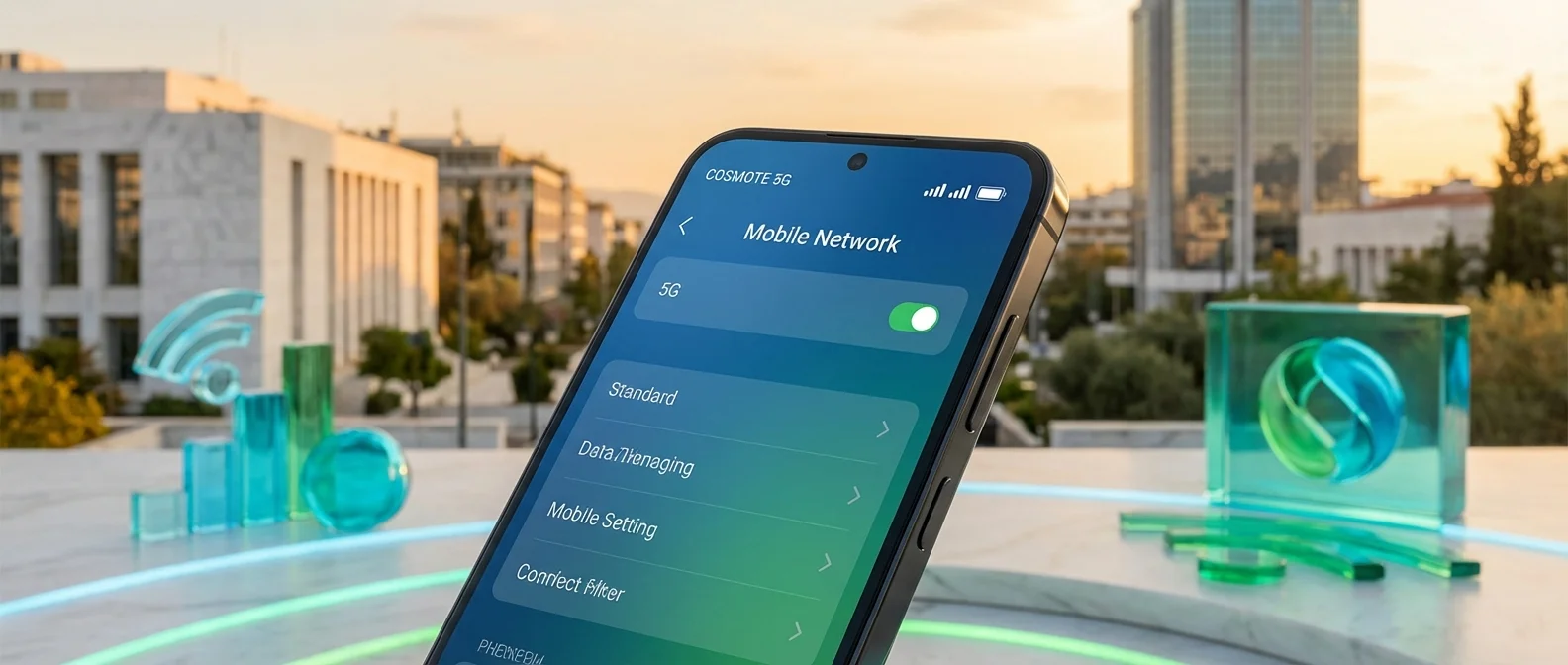
Activating COSMOTE 5G is simpler than you'd think — and it won't cost you a single extra euro. All COSMOTE TELEKOM subscribers enjoy access to Greece's largest and fastest 5G network, provided they have a compatible device. In this complete guide, you'll see step-by-step how to enable 5G, which settings you need, what phones are compatible, and how to make the most of the network's speeds.
COSMOTE 5G Access Requirements
COSMOTE has made 5G access completely free of charge for every subscriber — prepaid or contract. No plan change needed, no additional fees, and no special action required. The only two requirements are:
5G Compatible Device
You need a smartphone with a 5G modem. Most models released after mid-2021 support 5G: iPhone 12 and newer, Samsung Galaxy S21+, Xiaomi 12+, OnePlus 10+, Google Pixel 6+, and more.
5G Coverage in Your Area
Nationwide population coverage already exceeds 99%, with 99% in Athens and Thessaloniki. Check exact coverage on the cosmote.gr coverage map.
💡 No New SIM Needed
If you already have a USIM (LTE) SIM card, no replacement is needed. The same SIM works seamlessly on 5G. Only for future 5G Standalone (SA) service might an eSIM or new physical SIM be required.
Step-by-Step 5G Activation
Follow these steps based on your phone's operating system:
Android (Samsung, Xiaomi, OnePlus, Google Pixel)
- Go to Settings → Connections → Mobile Networks
- Tap Network Mode (or “Preferred network type”)
- Select 5G/LTE/3G/2G (Auto) — if 5G doesn't appear in the list, your device may not support it or needs a software update
- Ensure Data Roaming is enabled if you're outside your “home” area
- Restart if the 5G icon doesn't immediately appear in the status bar
iPhone (iOS)
- Go to Settings → Cellular → Cellular Data Options
- Tap Voice & Data
- Select 5G On (always active) or 5G Auto (battery saving — switches to LTE when high speed isn't needed)
- Optionally, enable Data Mode → Allow More Data on 5G for full speed utilization (ideal for streaming)
📊 5G Settings: Android vs iPhone
| Setting | Android | iPhone |
|---|---|---|
| Network menu | Settings → Connections → Mobile Networks | Settings → Cellular → Data Options |
| 5G Selection | 5G/LTE/3G/2G Auto | 5G On or 5G Auto |
| Battery saving | Automatic switching | 5G Auto mode |
| APN setting | Automatic / internet (COSMOTE) | Automatic |
| VoNR (voice over 5G) | When available | Automatic (iPhone 15+) |
COSMOTE 5G APN Settings
In most cases, COSMOTE automatically sends the correct APN settings to your device. If you're experiencing connectivity issues, you can set them manually:
⚙️ COSMOTE APN Settings
- Name: COSMOTE Internet
- APN: internet
- APN type: default,supl
- MCC: 202
- MNC: 01
- APN protocol: IPv4/IPv6
- Authentication type: None
After manual configuration, restart your device. If it still doesn't work, try removing and reinserting the SIM, or contact COSMOTE support at 13888.
Compatible 5G Devices (2026)
COSMOTE gradually certifies smartphones that can connect to its 5G network. Here are the most popular categories:
Apple iPhone
- iPhone 16 / 16 Pro / 16 Pro Max
- iPhone 15 / 15 Pro / 15 Pro Max
- iPhone 14 / 14 Pro / 14 Pro Max
- iPhone 13 / 13 Pro / 13 mini
- iPhone 12 / 12 Pro / 12 mini
- iPhone SE (3rd generation)
Samsung Galaxy
- Galaxy S25 / S25+ / S25 Ultra
- Galaxy S24 / S24+ / S24 Ultra
- Galaxy S23 / S23 FE
- Galaxy Z Fold 6 / Z Flip 6
- Galaxy A55 / A35 / A25
- Galaxy A54 / A34
Xiaomi / OnePlus / Google
- Xiaomi 14 / 14 Ultra / 13T Pro
- Redmi Note 13 Pro+ 5G
- OnePlus 12 / 12R / Nord 4
- Google Pixel 9 / 9 Pro / 8a
- POCO F6 Pro / X6 Pro
- Motorola Edge 50 / Razr 50
Top Speeds & What to Expect
The COSMOTE 5G network delivers peak speeds exceeding 1 Gbps in select areas. However, your actual experience depends on several factors:
- Distance from tower: The closer you are, the higher the speed
- Obstacles: Buildings, walls, and trees reduce mid-band 5G speeds
- Network load: During peak hours (6-10 PM), speeds decrease
- Device: Newer modems (Snapdragon X75, MediaTek 5300) achieve higher speeds
- Spectrum band: Sub-6 GHz (3.5 GHz) delivers 200-600 Mbps, while mmWave reaches 1+ Gbps
5G & Battery Life: Saving Tips
A common question: “Does 5G drain more battery?” The answer is yes, but barely on newer models. Second-generation 5G modems (Snapdragon X65+, Apple A16+) are significantly more efficient. Still, if you want to stretch your battery further:
Use 5G Auto
On iPhones, the “5G Auto” setting switches to LTE when 5G speed doesn't offer a noticeable advantage — saving battery without sacrificing experience.
Disable 5G in Low Coverage
If you're in an area with weak 5G signal, your device wastes energy searching for network. Switch to LTE until you're back in coverage.
Troubleshooting
If you can't connect to 5G, try the following in order:
- Software update: Make sure your device is running the latest OS version. Many 5G fixes come through updates.
- Network reset: Settings → General → Transfer or Reset → Reset Network Settings. Note: this will erase saved WiFi passwords.
- Remove/reinsert SIM: Turn off the device, remove the SIM, wait 30 seconds, reinsert it.
- Test in another location: Move to a spot with known 5G coverage to rule out signal issues.
- Call 13888: If nothing works, contact COSMOTE support — activation from the network side may be needed.
Conclusion
Getting into the COSMOTE 5G world requires nothing more than a compatible device. No hidden charges, no SIM swap, no new contract — it's the most painless network upgrade we've ever seen. With 99%+ coverage, speeds above 1 Gbps, and the world's top certifications, there's no reason not to take advantage of what's already yours.