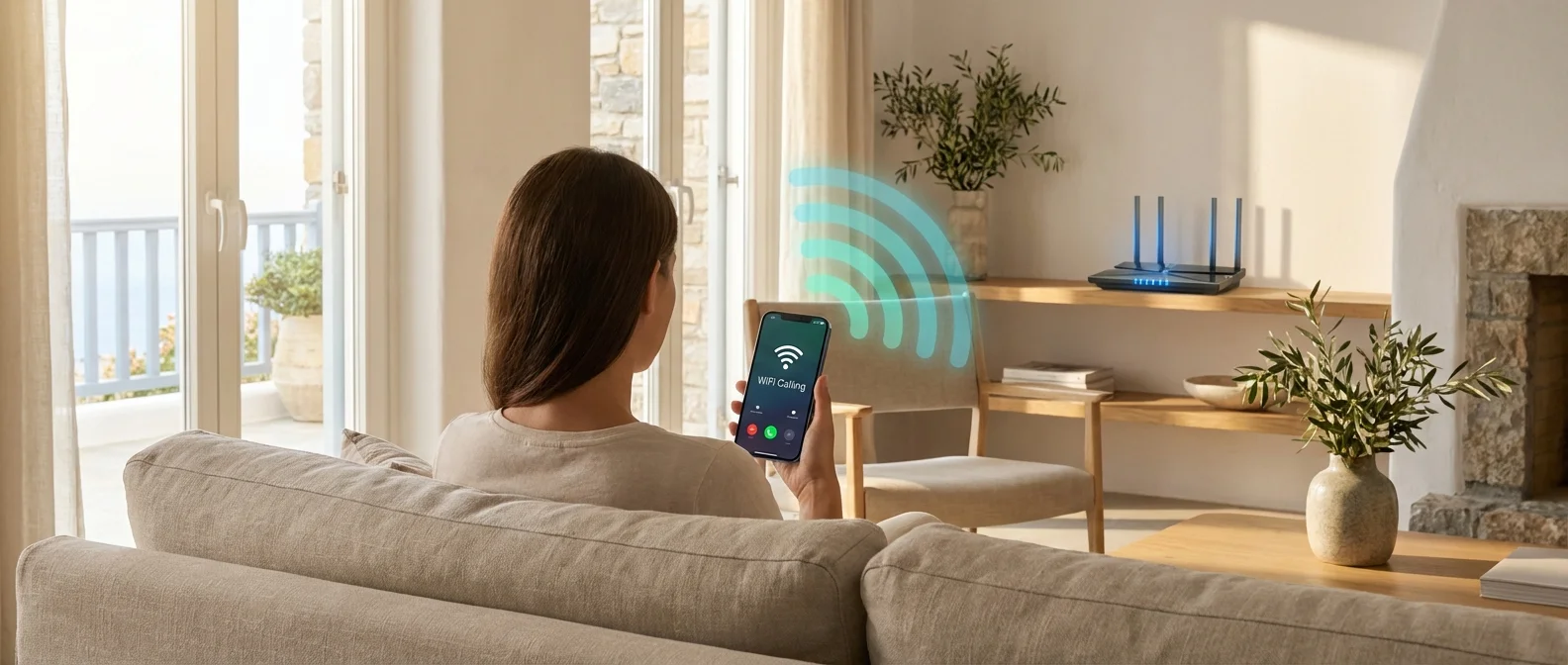
Ever been stuck in a basement, a thick-walled building, or on a Greek island with a dead cellular signal — right when you needed to make an urgent call? WiFi Calling turns any wireless network into a virtual cell tower. No separate app, no extra cost — just crystal-clear calls over your WiFi connection. Here's how this service works in Greece in 2026.
📖 Read more: Gigabit Internet Greece: When & Where 2026
What Is WiFi Calling
WiFi Calling — also known as VoWiFi (Voice over WiFi) — lets your phone make and receive calls over a WiFi connection instead of relying solely on your carrier's cell towers. The call is routed through the Internet rather than the cellular network, but — unlike Viber or WhatsApp — it uses your regular phone number. The recipient sees the same caller ID, your voicemail works normally, and calls are billed as standard in-plan calls.
The technology is built on IMS (IP Multimedia Subsystem), the same framework that powers VoLTE calls over 4G/5G. In essence, WiFi Calling is the WiFi “side” of VoLTE — which is why it requires a VoLTE-enabled plan on your account.
How It Works Technically
When you enable WiFi Calling, your phone establishes a secure IPsec tunnel to the carrier's ePDG (evolved Packet Data Gateway) node. Through this encrypted channel, calls are routed into the telecom core network as if they were coming from a cell tower.
WiFi Calling Call Flow
- Step 1: Your phone detects weak cellular signal and activates WiFi Calling
- Step 2: An IPsec tunnel is created to the carrier's ePDG over WiFi
- Step 3: The call is established via IMS — same quality as VoLTE (HD Voice)
- Step 4: If you move into an area with strong 4G/5G, the call seamlessly hands over to the cellular network
The seamless handover between WiFi and cellular is one of the key advantages over regular VoIP app calls. That said, in some edge cases — if the WiFi signal is marginal — the transition may cause a brief audio glitch.
📖 Read more: Landline Telephony: Do You Still Need It in 2026?
Greek Carriers: Who Supports What
All three major mobile carriers in Greece now offer WiFi Calling, though the maturity of each service varies considerably. Here's the breakdown:
📊 WiFi Calling by Carrier (February 2026)
| Feature | COSMOTE | Vodafone GR | Nova |
|---|---|---|---|
| Availability | Since ~2023 | Since 2024 | Limited |
| iPhone (5S+) | ✔ Yes | ✔ Yes | Partial |
| Samsung (S6+) | ✔ Yes | ✔ Yes | Partial |
| Cost | Included in plan | Included in plan | Included in plan |
| VoLTE Required | Yes | Yes | Yes |
| Seamless Handover | ✔ Yes | ✔ Yes | Partial |
COSMOTE was the first Greek carrier to launch WiFi Calling and offers the most comprehensive device support. Vodafone followed in 2024 with comparable coverage. Nova is gradually expanding its list of supported devices, but coverage remains more limited at this time.
How to Enable It
Activation is straightforward, provided your carrier supports VoWiFi on your SIM. Here are the steps for each platform:
iPhone (iOS)
- Settings → Phone → WiFi Calling
- Toggle on “WiFi Calling on This iPhone”
- If the option doesn't appear, contact your carrier — it may need to be activated on their end
- Requires iPhone 5S or later with iOS 10.3+
Android / Samsung
- Settings → Connections → WiFi Calling
- Toggle on the “WiFi Calling” switch
- On some Android devices: Settings → Network → SIM → WiFi Calling
- Certain models require carrier-specific firmware
If the option doesn't show up at all in your settings, your SIM likely doesn't support WiFi Calling yet or your device isn't on the carrier's compatibility list. In that case, try a software update or contact your provider directly.
Pros & Cons
Advantages
WiFi Calling solves problems that no 4G/5G network can tackle on its own. Indoor coverage improves dramatically — in basements, parking garages, buildings with thick walls, and metal structures. You keep using the same number, voicemail, and caller ID. There's no app to install and no account to create. On top of that, if you're abroad and connected to WiFi, you can significantly reduce roaming charges for calls back to Greece.
📖 Read more: 5G Greece 2026: Coverage Map & Speed Tests
Disadvantages
It's not all upside. Battery drain increases slightly because the WiFi radio must stay active. There are no QoS (Quality of Service) guarantees on WiFi — if multiple devices are hogging bandwidth, call quality suffers. The handoff from WiFi to cellular can, on rare occasions, drop a call. Finally, for emergency calls (112), location accuracy may be reduced compared to cellular calls.
When It's Really Worth It
WiFi Calling doesn't replace your mobile network — it complements it. There are specific scenarios where it makes a huge difference:
Basement or ground-floor apartment: If you live in a flat with thick walls or a below-ground level, cellular signal can be non-existent. With WiFi Calling, your calls go through crystal clear via the router.
Greek islands: On many islands — especially smaller ones — cell coverage is sparse. If you have access to WiFi (hotel, café, Airbnb), WiFi Calling has you fully covered.
Working from home (WFH): If you work remotely in an area with weak 4G, WiFi Calling ensures uninterrupted mobile calls.
Traveling abroad: Connect to a hotel or café WiFi and slash your roaming charges. Calls are billed as if you were in Greece (carrier-dependent).
WiFi Calling isn't a revolutionary new technology — it's a practical fix for a problem we deal with every day: dead signal zones. If your carrier supports it, there's no reason not to turn it on today.